AI for Product
AI appears throughout the product experience, from summaries and search to analysis and exploration. A cohesive visual identity makes AI-powered features more recognizable, helping users feel confident in how the technology supports their goals.
Logomark
The simplified AI icon indicates AI features and AI-generated content within a product. It can be used on its own or with text, comes in small, medium, and large sizes, and adheres to our UI icon rules. To maintain clarity and trust, never use the AI logomark for decorative purposes.
For applications 48 px and larger, use the illustrative AI logomark.
When to Use
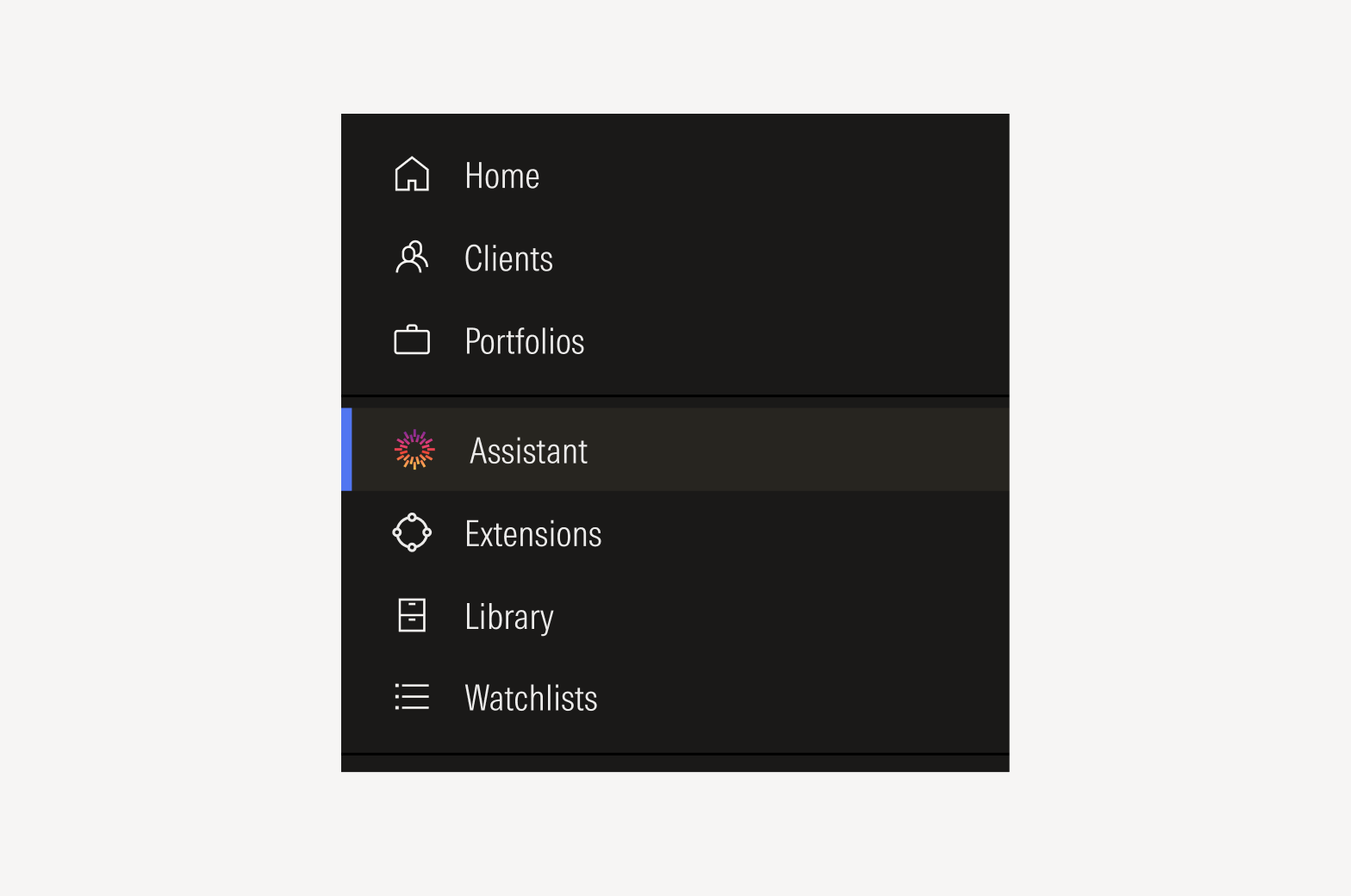
Use the logomark in navigational components to help users identify and access AI-generated features or workflows.
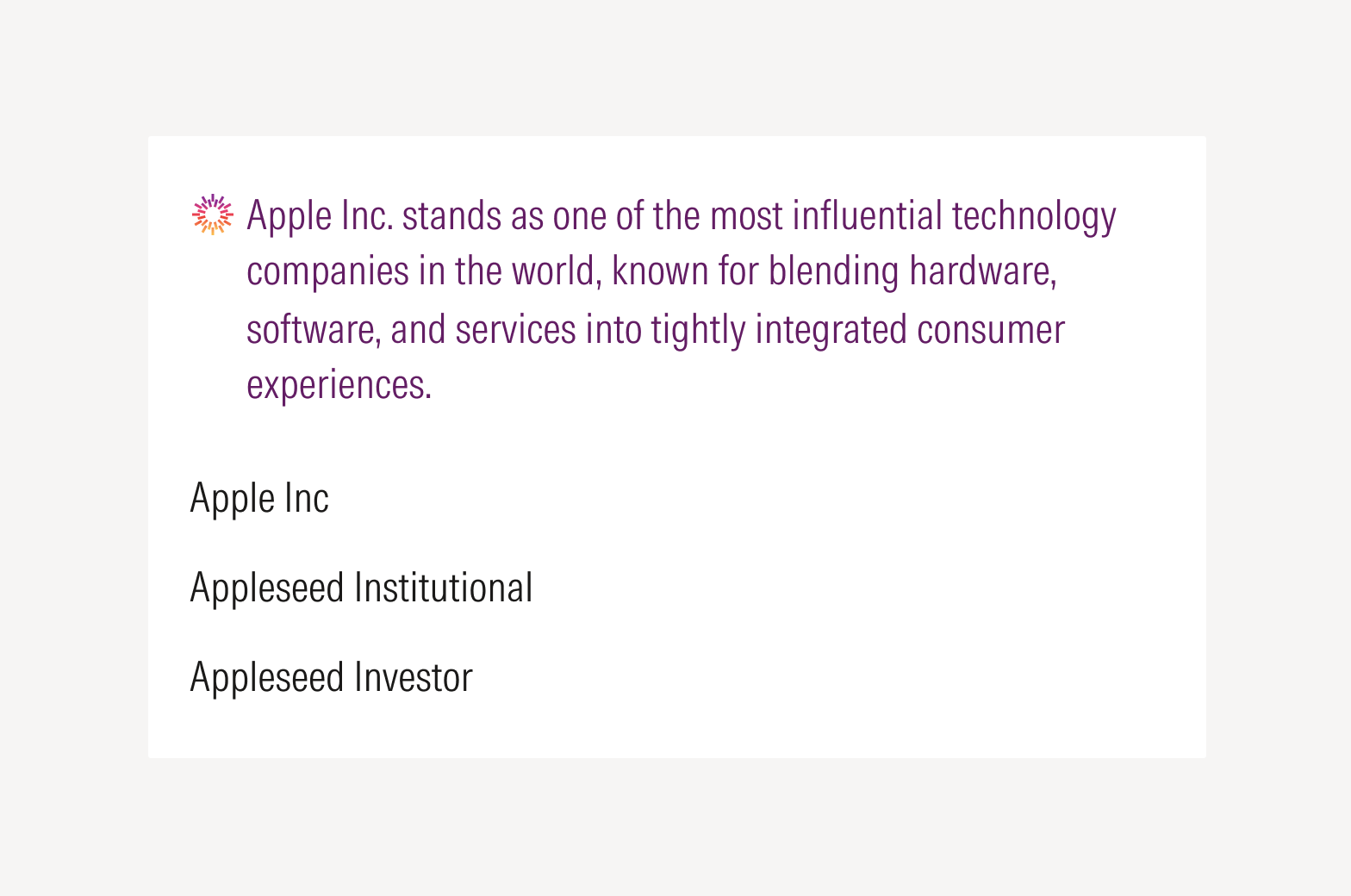
Apply the logomark to clearly differentiate AI-generated content from non-AI content.
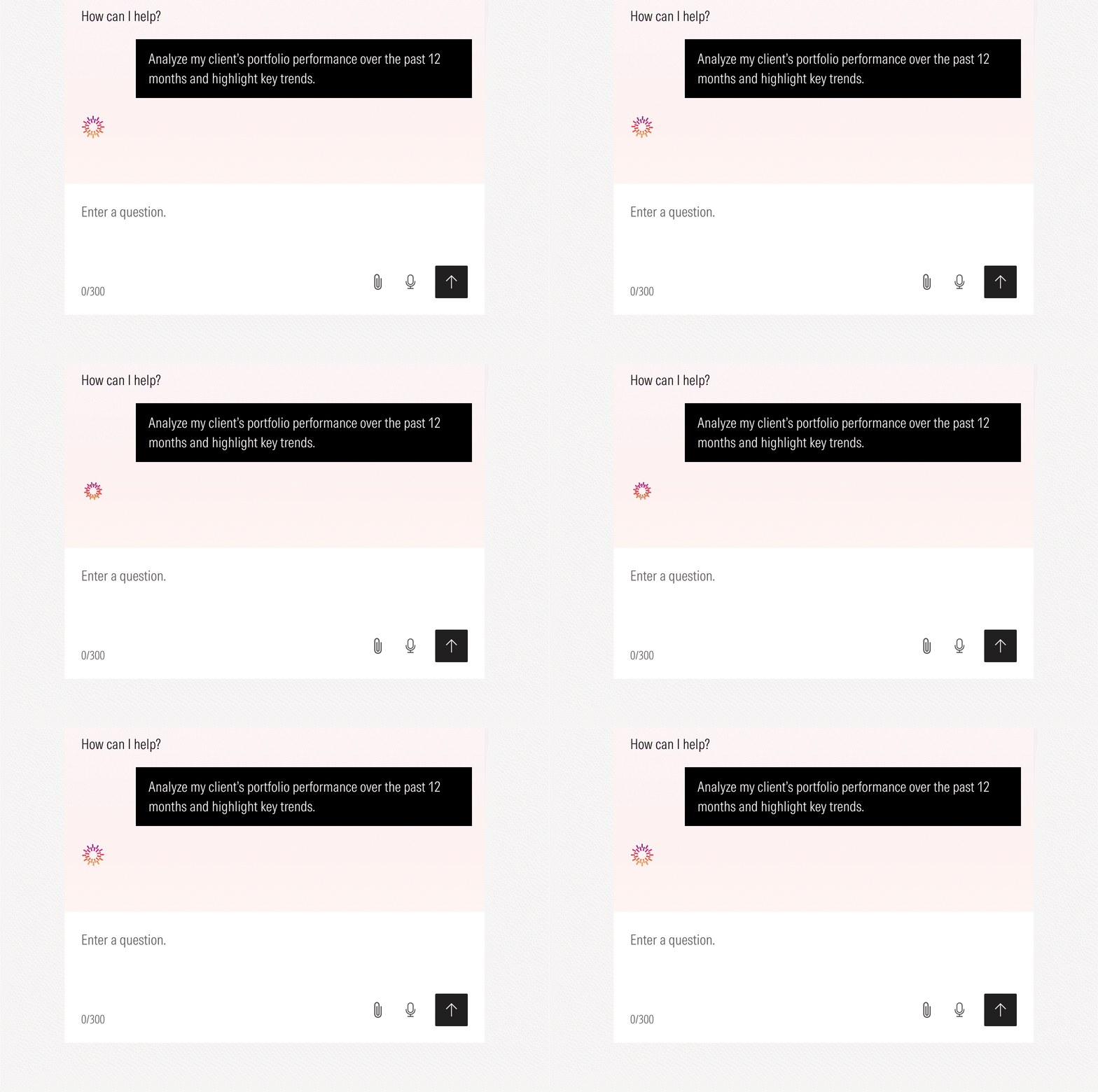
Use the AI loader in conversational interfaces only. Its sizing should follow the same logic as UI icons. The loader may be downloaded in Resources below.
Badge Application and Placement
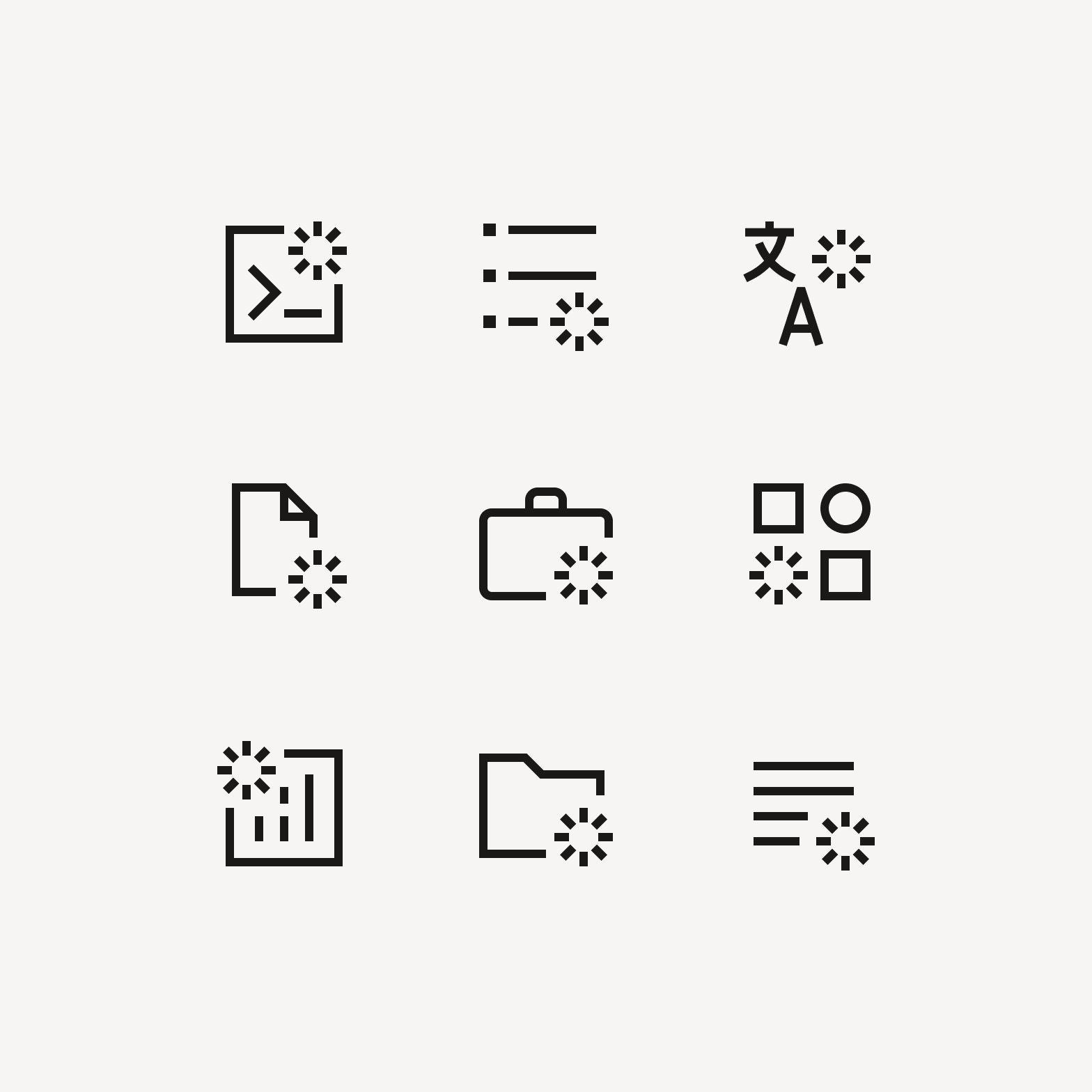
A small starburst badge on a UI icon indicates something is powered by AI.
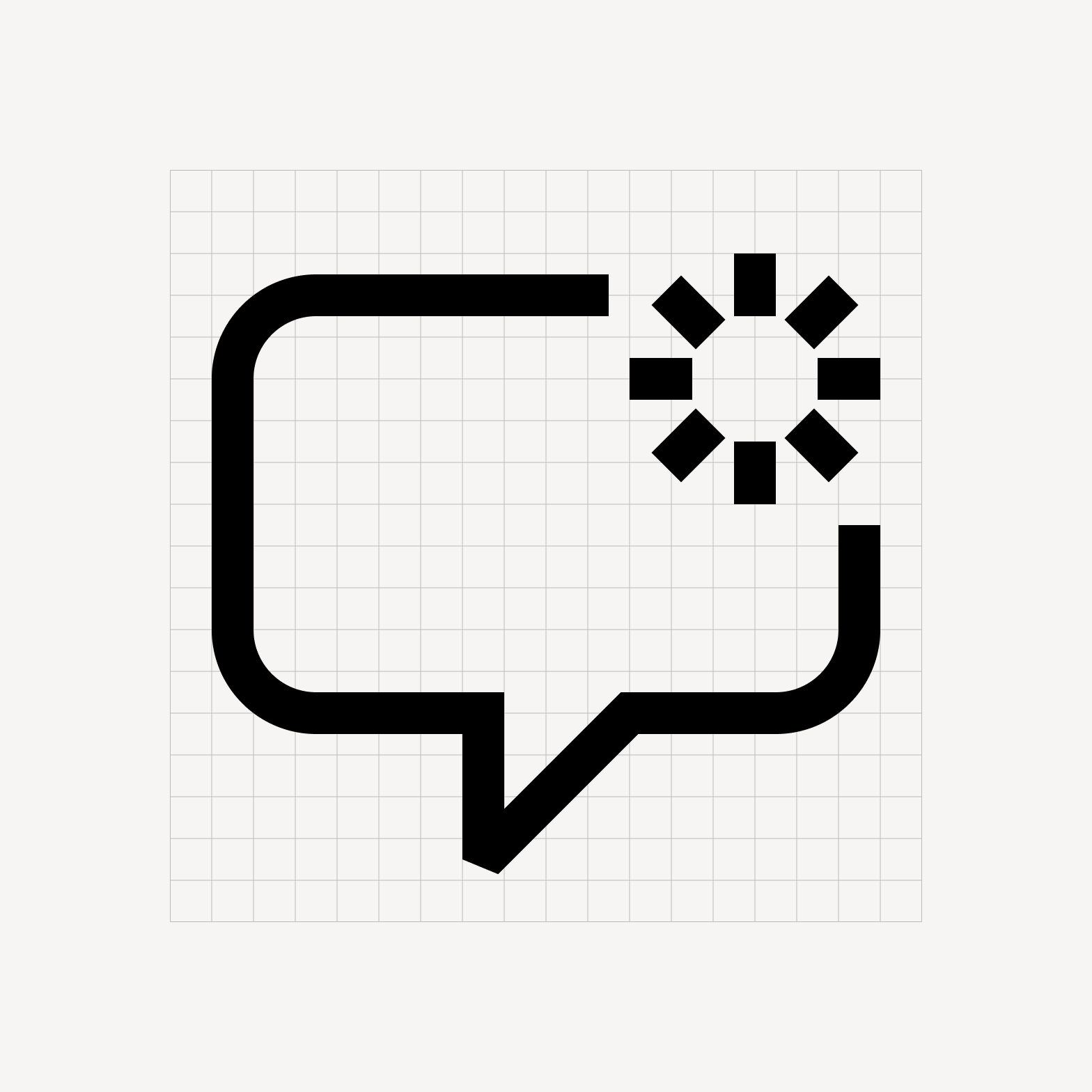
When applying the starburst to an icon, maintain a 0.5 to 1 px break between the starburst and the UI icon to preserve clear space.
Color Palette
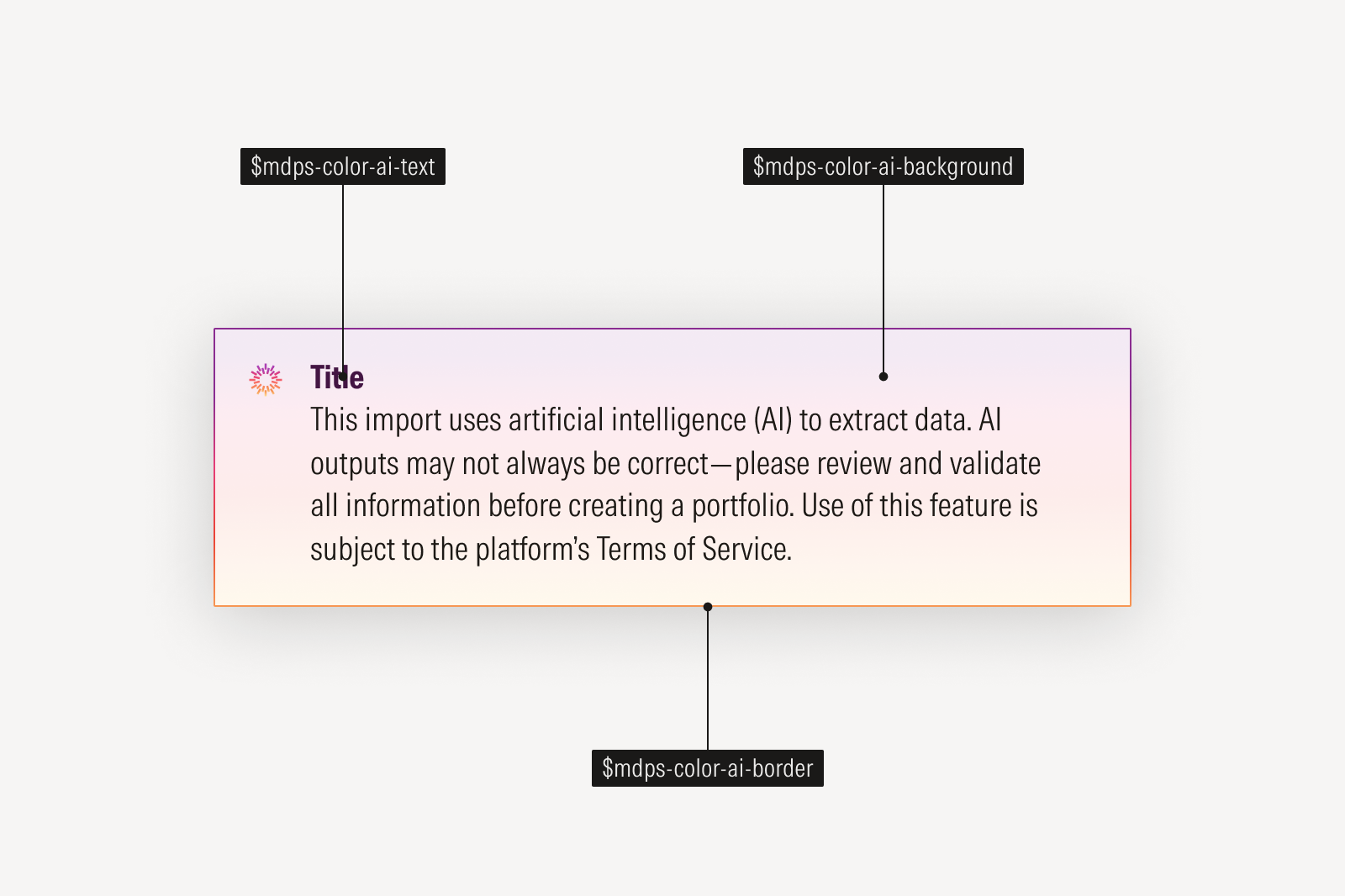
AI features are defined through a unique AI color palette. When used consistently, it creates a clear and recognizable visual language for users and is available as tokens for flexible use across components.
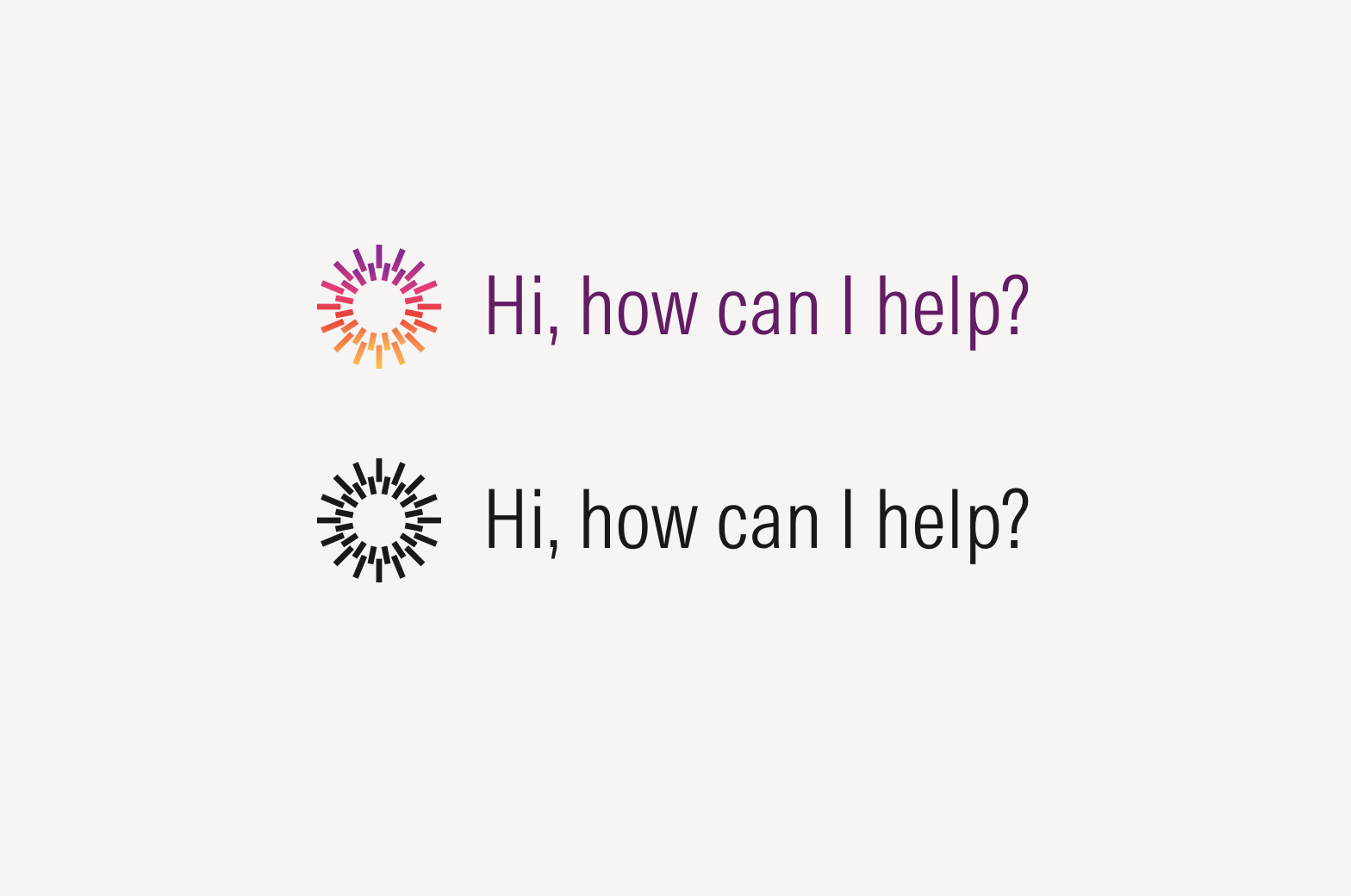
Common logotype and text color combinations.
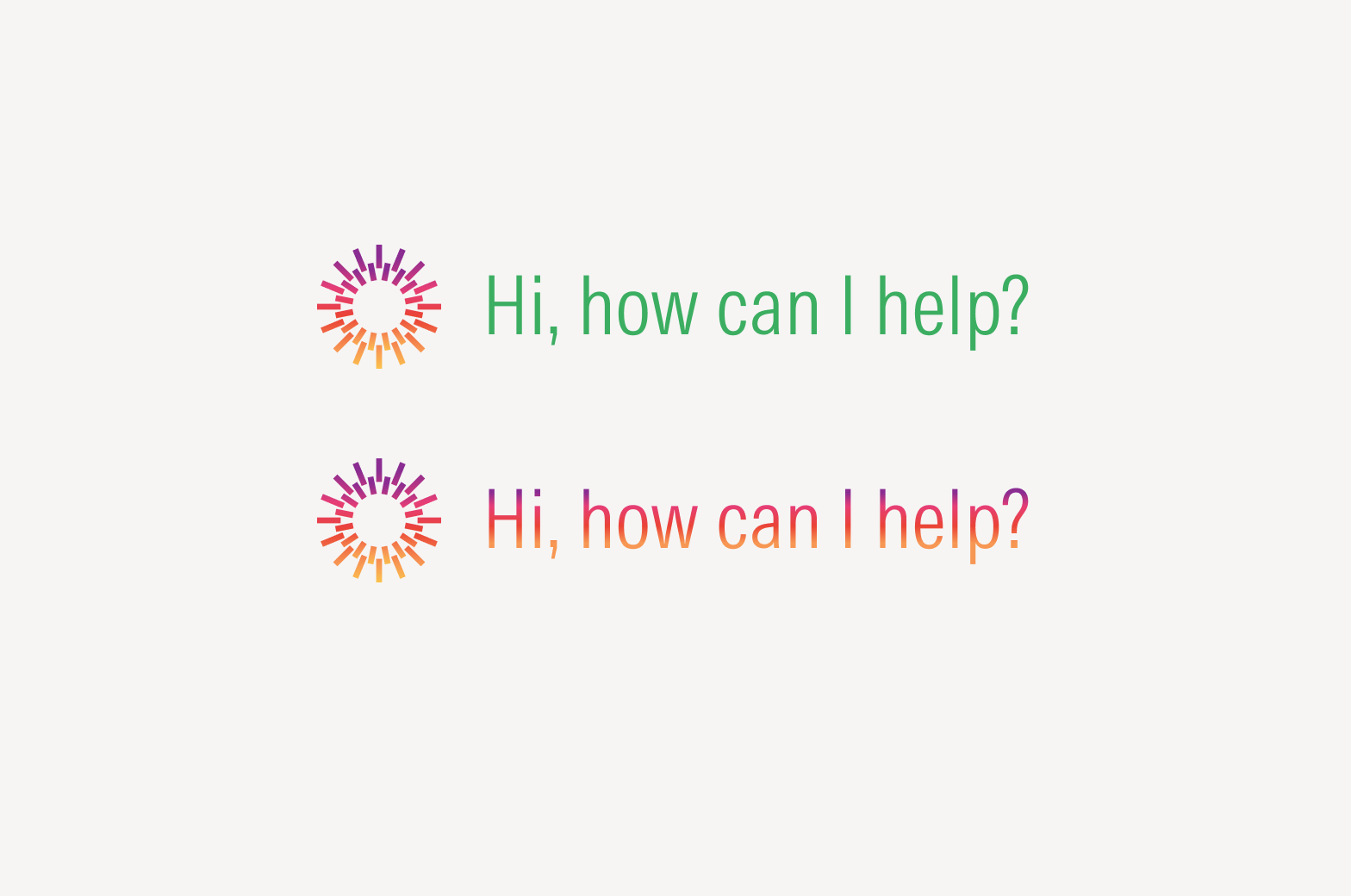
Don’t apply excessive gradients or custom colors.
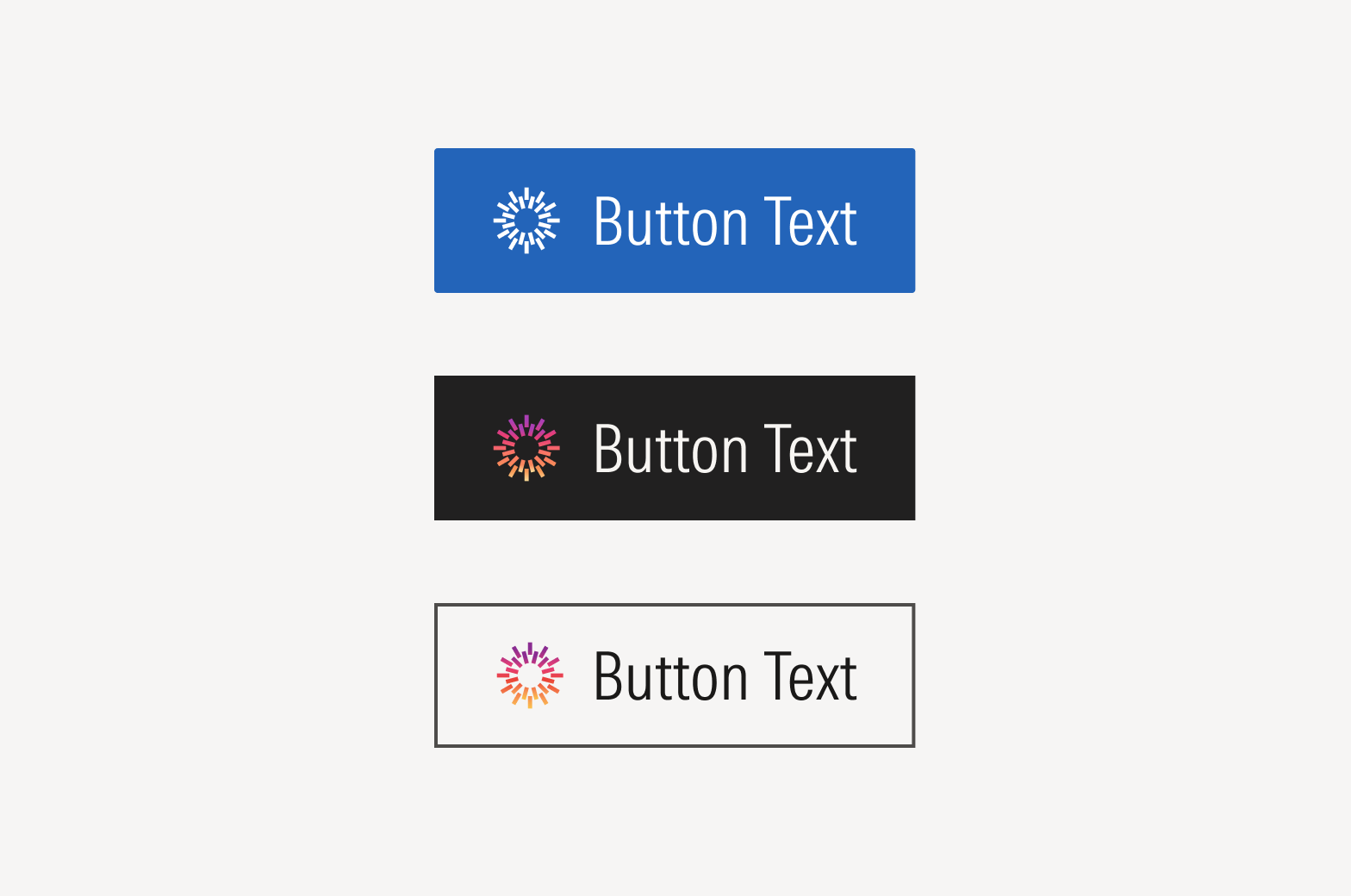
Solid and gradient AI icons can be used in buttons.
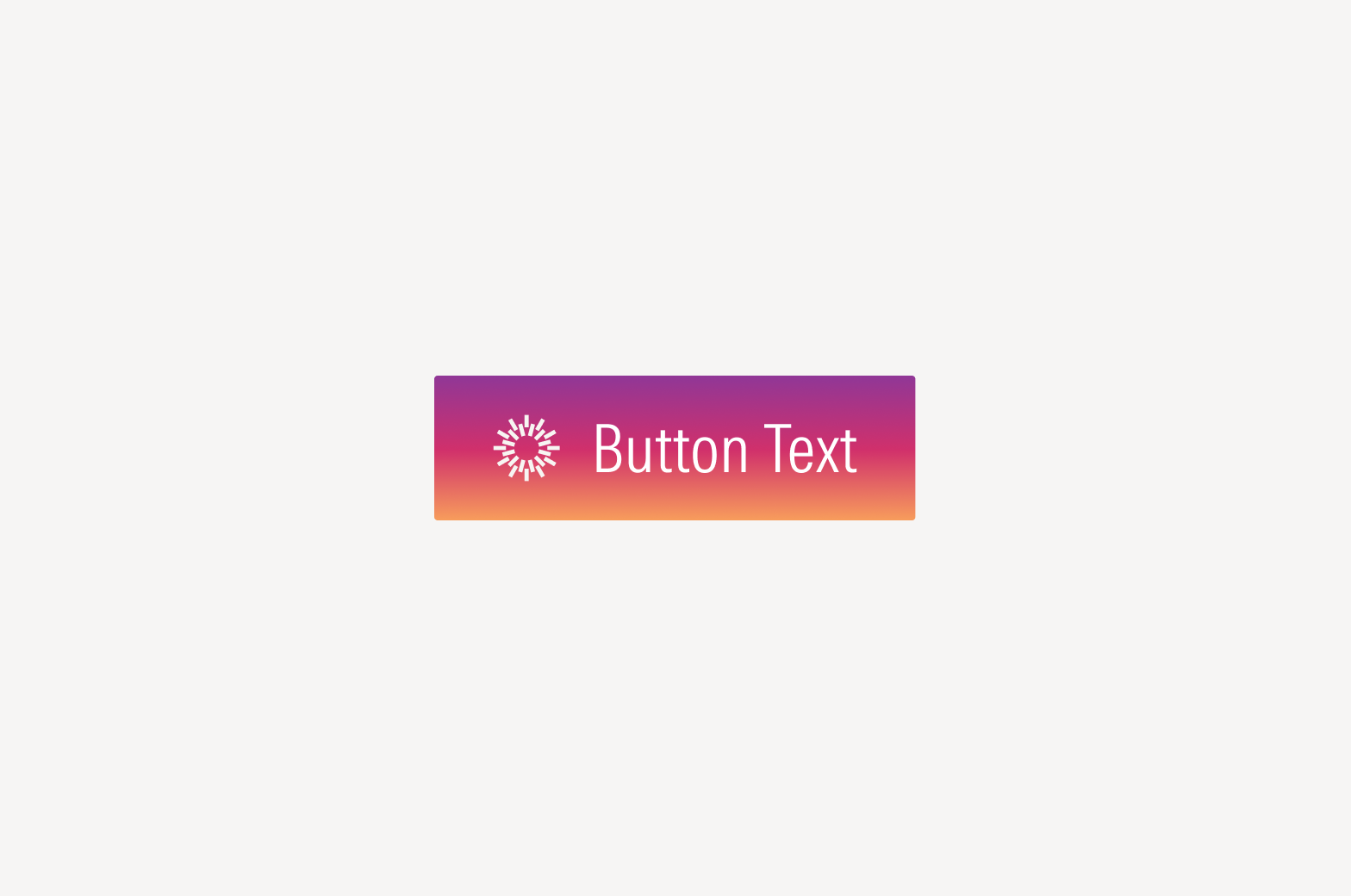
Don’t apply the AI gradient style to buttons.
Visual Applications
Apply AI visual language with intention. The amount of styling should match the level of AI support: if AI is just a small element within a larger feature, the AI visual style should be confined to that element. This easily distinguishes AI-powered content without disrupting the overall experience.
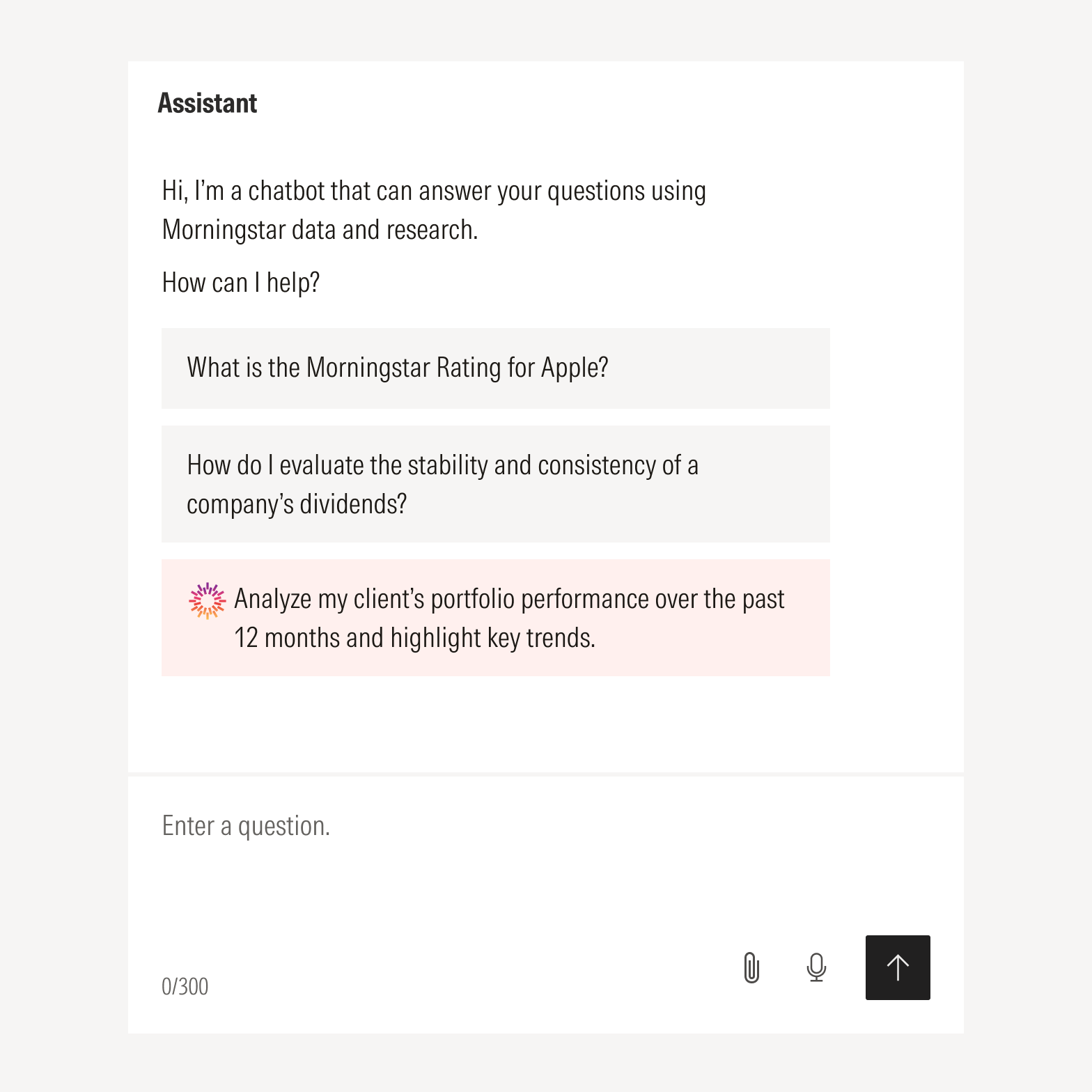
Use the AI logomark or its colors to identify specific instances where AI is involved, such as AI-generated suggestions or search results.
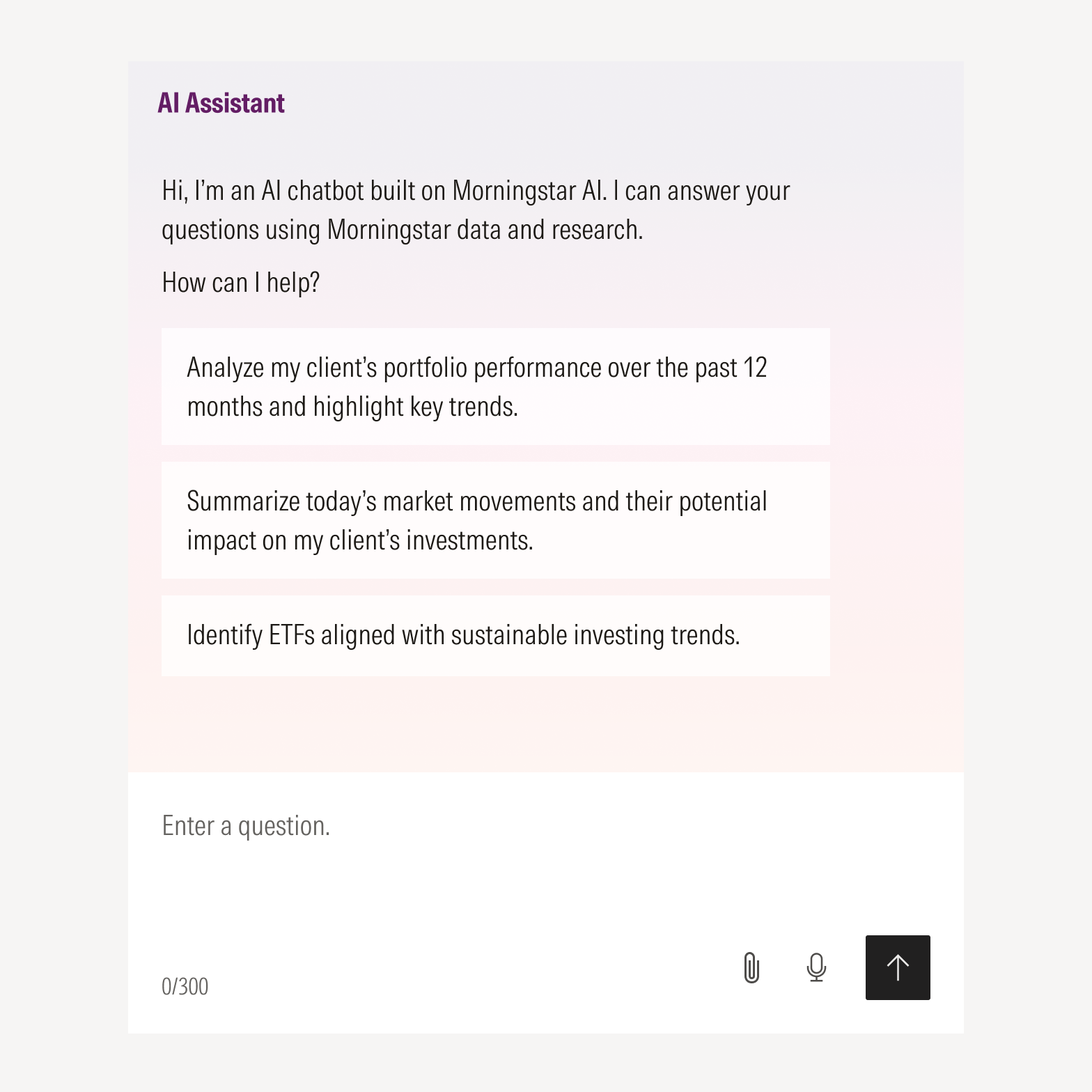
Consider applying a subtle gradient to indicate an AI-powered feature or flow, such as a chat interface.
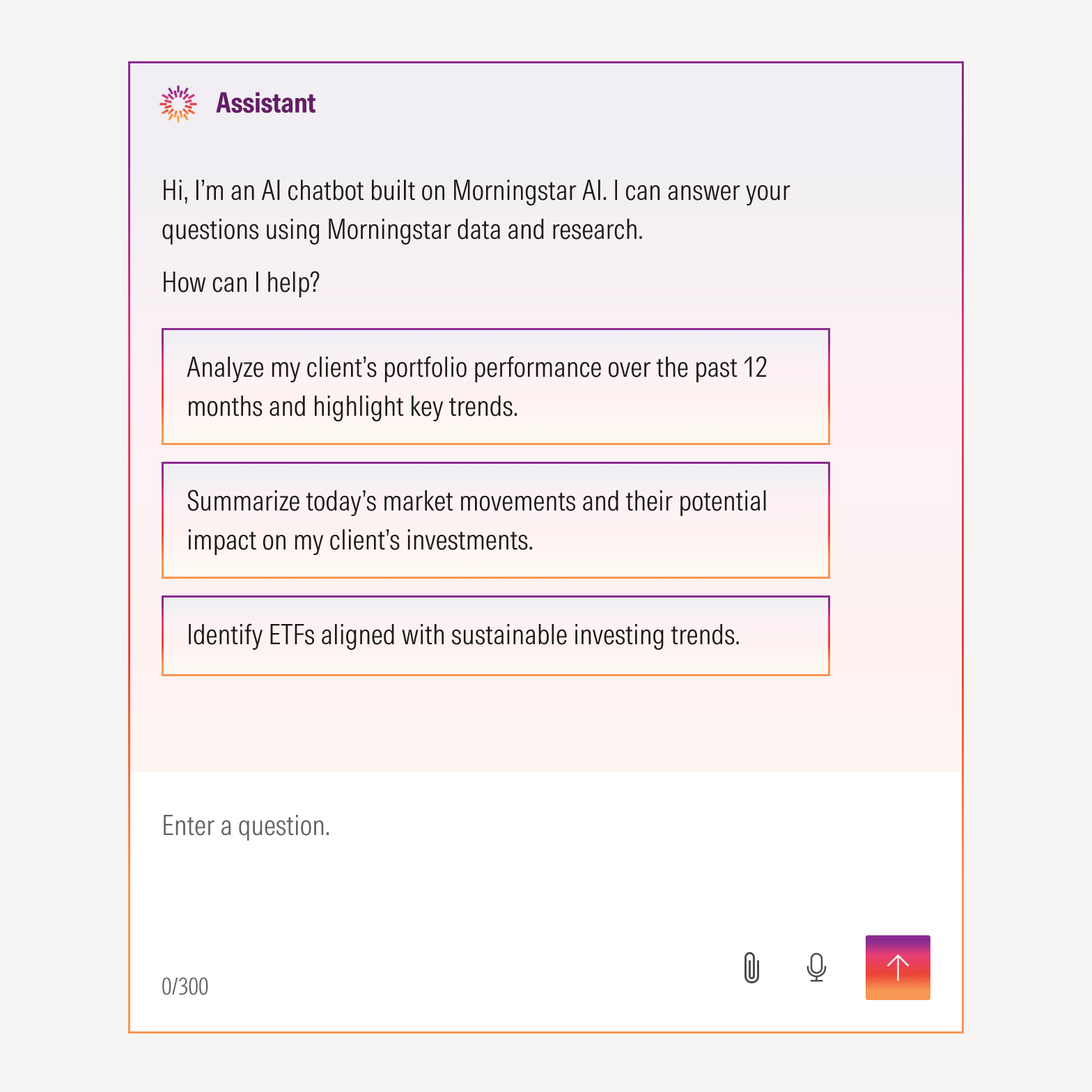
Don’t apply AI styling to every element in a feature or flow, as it can feel distracting and doesn’t further highlight AI’s presence.
For guidance on naming AI-powered features and tools, refer to the Naming page, or email the Brand Team for support.
Resources
The AI loader is available for product use in .json file format. For guidance on its technical implementation, visit Lottie Developer.