Content
Principles
Effective product writing builds client confidence and makes it easier for them to use new products and features. Informed by product goals and foundational voice and tone standards, it helps remove obstacles that stand in the user's way,
Content as Design
Like good design, good writing guides, informs, and earns trust. Working closely with design and development from the start, clear content patterns reduce ambiguity and help users move closer to their goals. Content isn’t just support; it’s core to any product experience.
These guidelines are for anyone working in a product context: designers, product managers, developers, and writers alike. They focus on product and UI copy, the in-app language that provides clarity and builds confidence. As you design an experience, consider not just the words on the screen, but the system they live in.
Communication Principles
The following principles provide a framework for the writing choices outlined in UI Writing. Grounded in our foundational voice principles, they help teams prioritize communication goals, write content that’s clear and easy to understand, and use format and style intentionally to support meaning.
For guidance on specific style choices, see the Morningstar Style Guide, which is housed on a dedicated site and updated regularly. For access, email the copy desk.
Write in short, simple sentences.
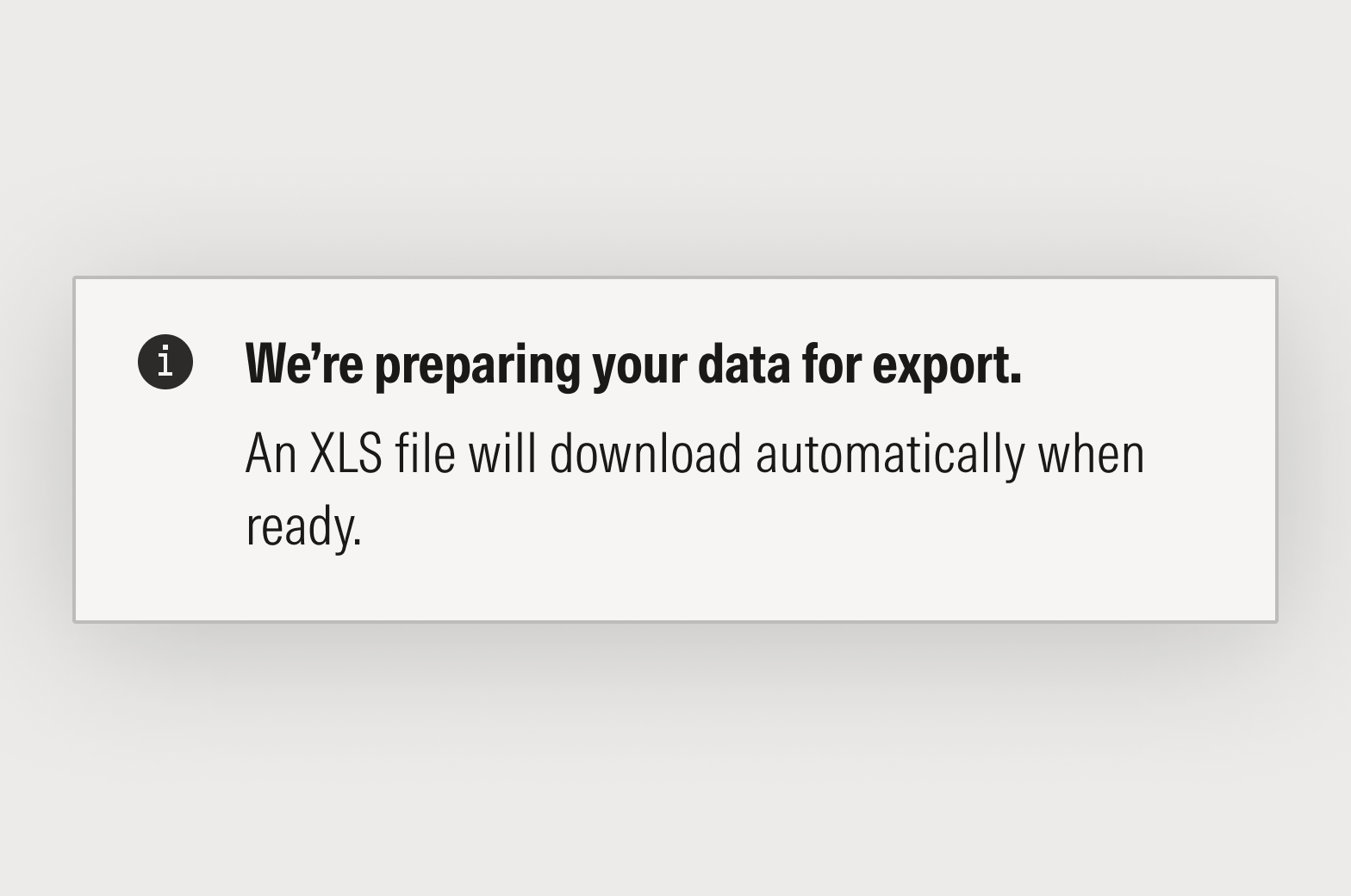
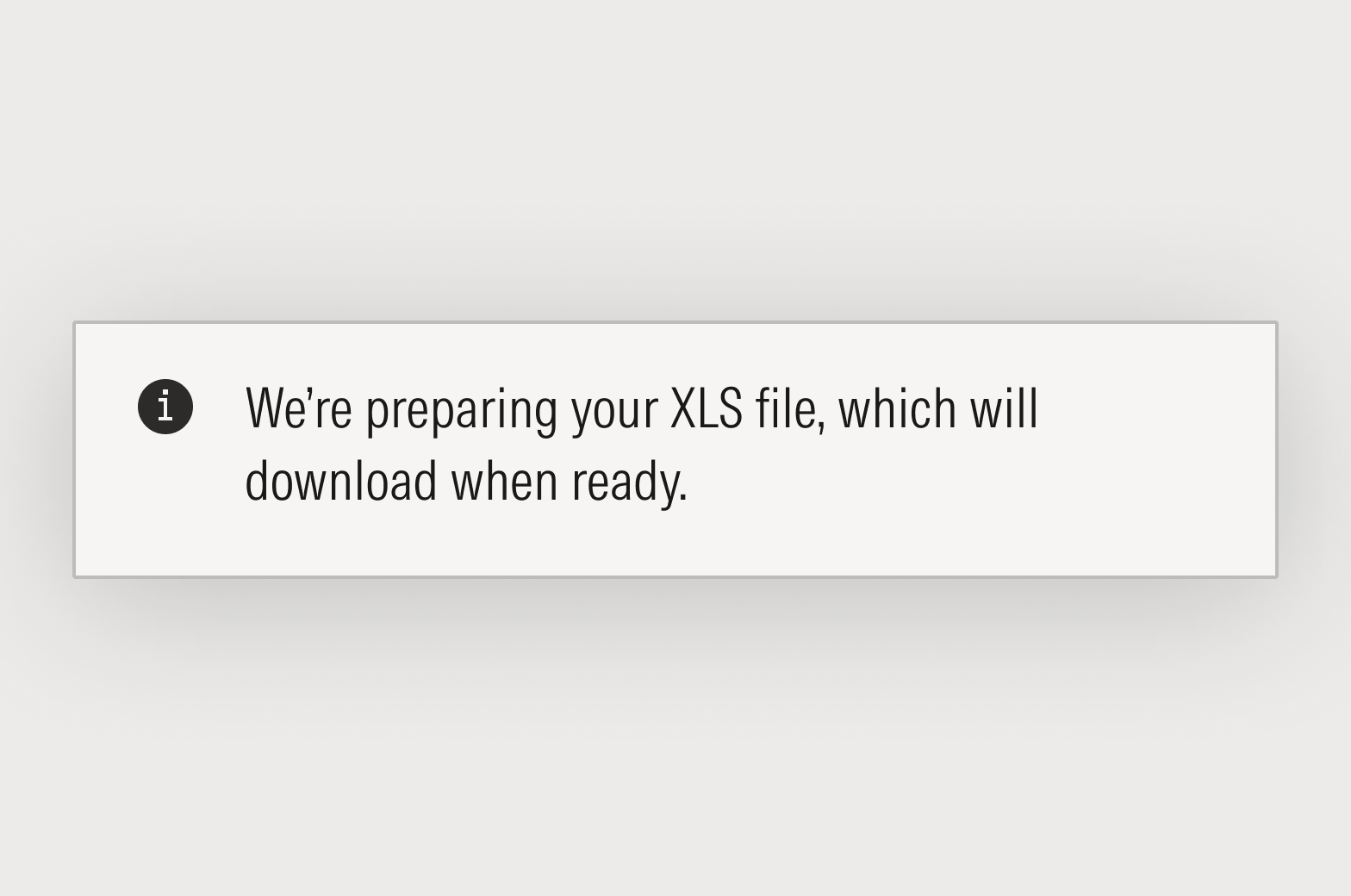
When communicating more than one fact or concept at a time, break them into separate sentences. Your content will be easier to write and easier to read. In this example we separated the two thoughts: 1) We’re preparing your data, and 2) it will download automatically.
Use complete sentences.
Complete sentences contain a subject, a verb, and often one or more objects. Use articles (a, an, the) and pronouns (it, this, those, you, your) to make relationships between things easier to understand.
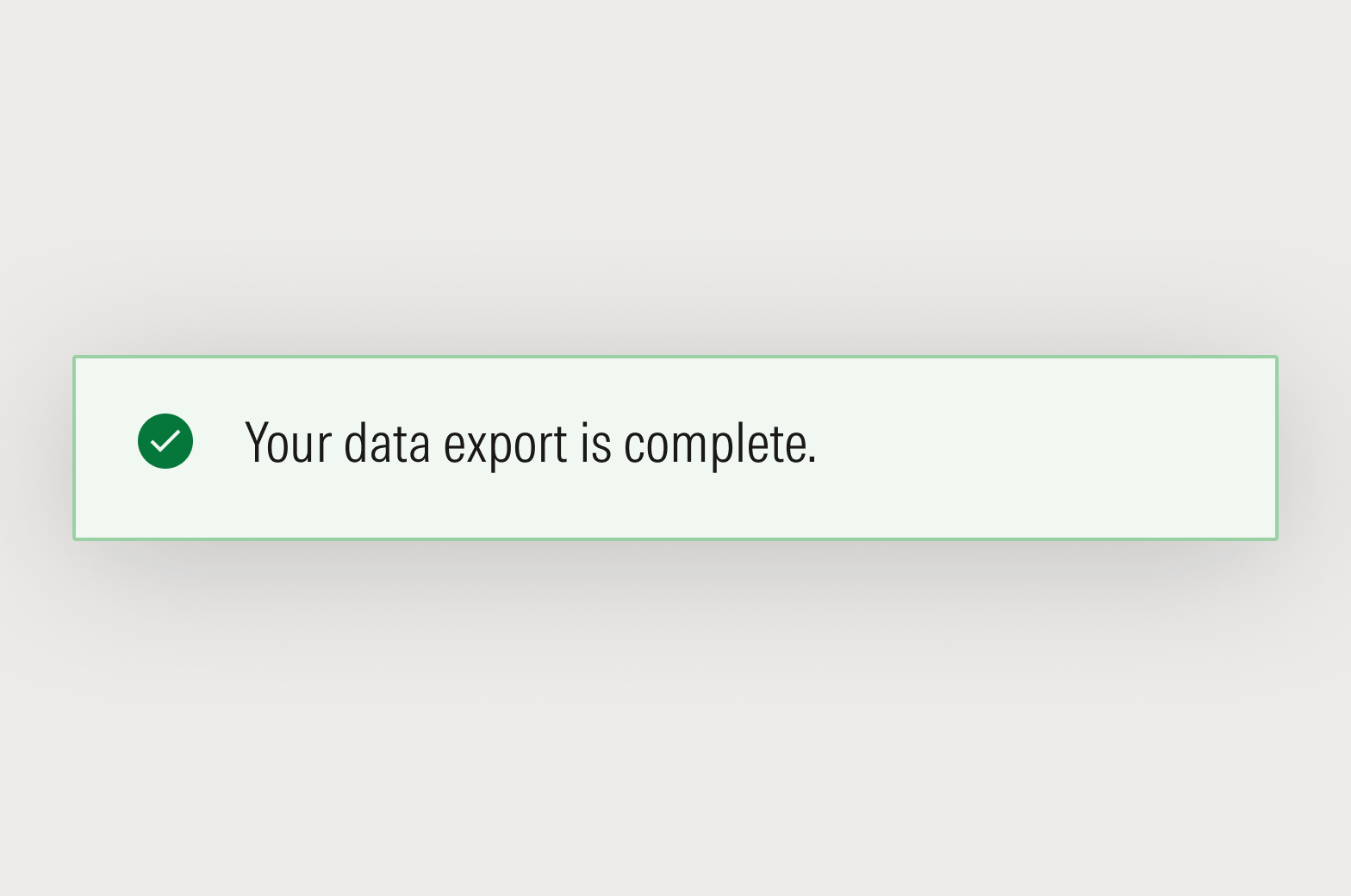

Avoid unnecessary flourishes and imprecise language.
Rather than adding a friendliness factor, it distracts from the core idea that you’re trying to communicate.




Avoid business jargon and $5 words.
Words like “seamless,” “scalable," “cross-functional,” and “paradigm shift” obscure what you’re trying to say. There’s simply no need to choose the fanciest synonym for the simplest task.

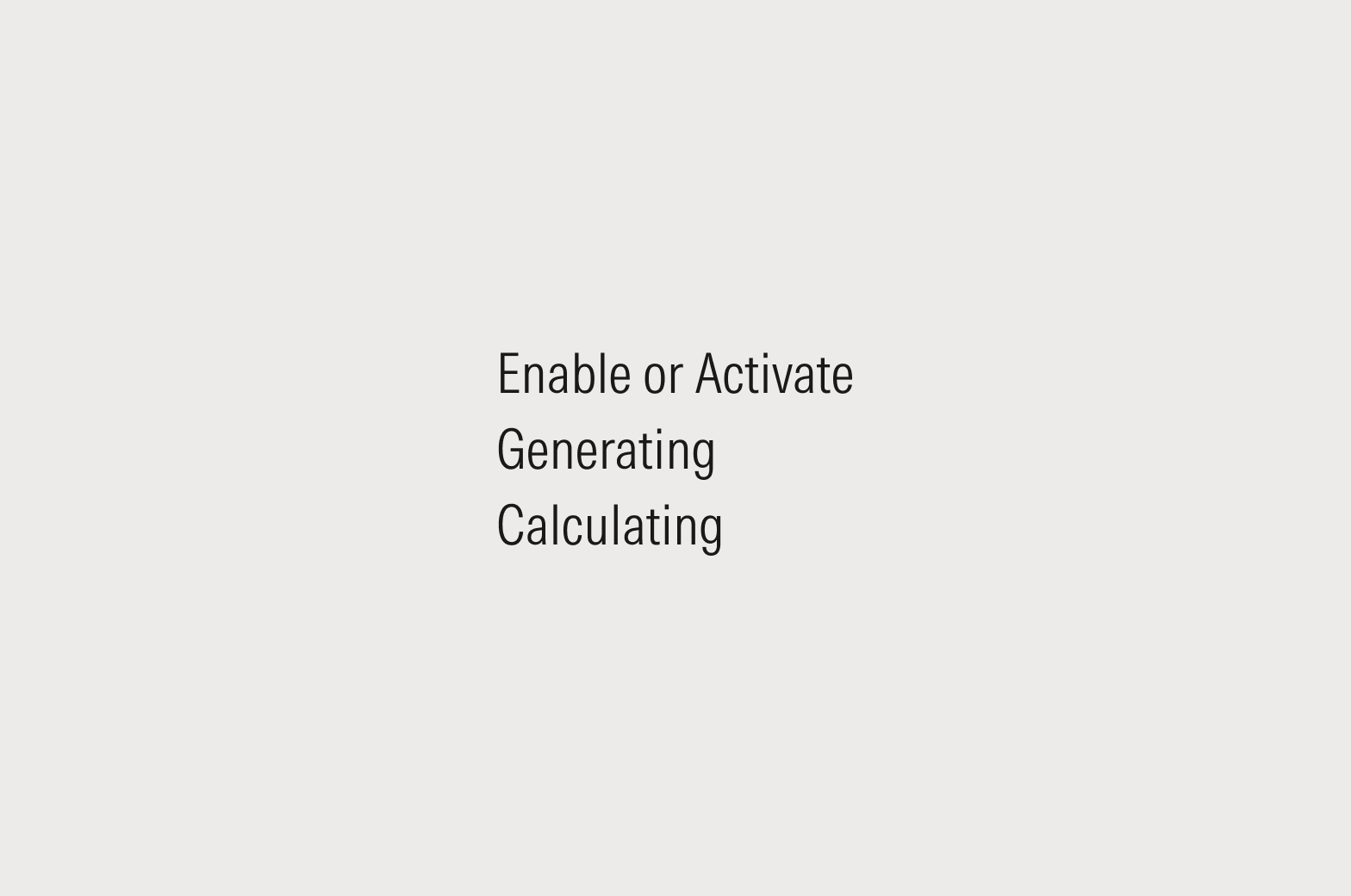
Have a point of view.
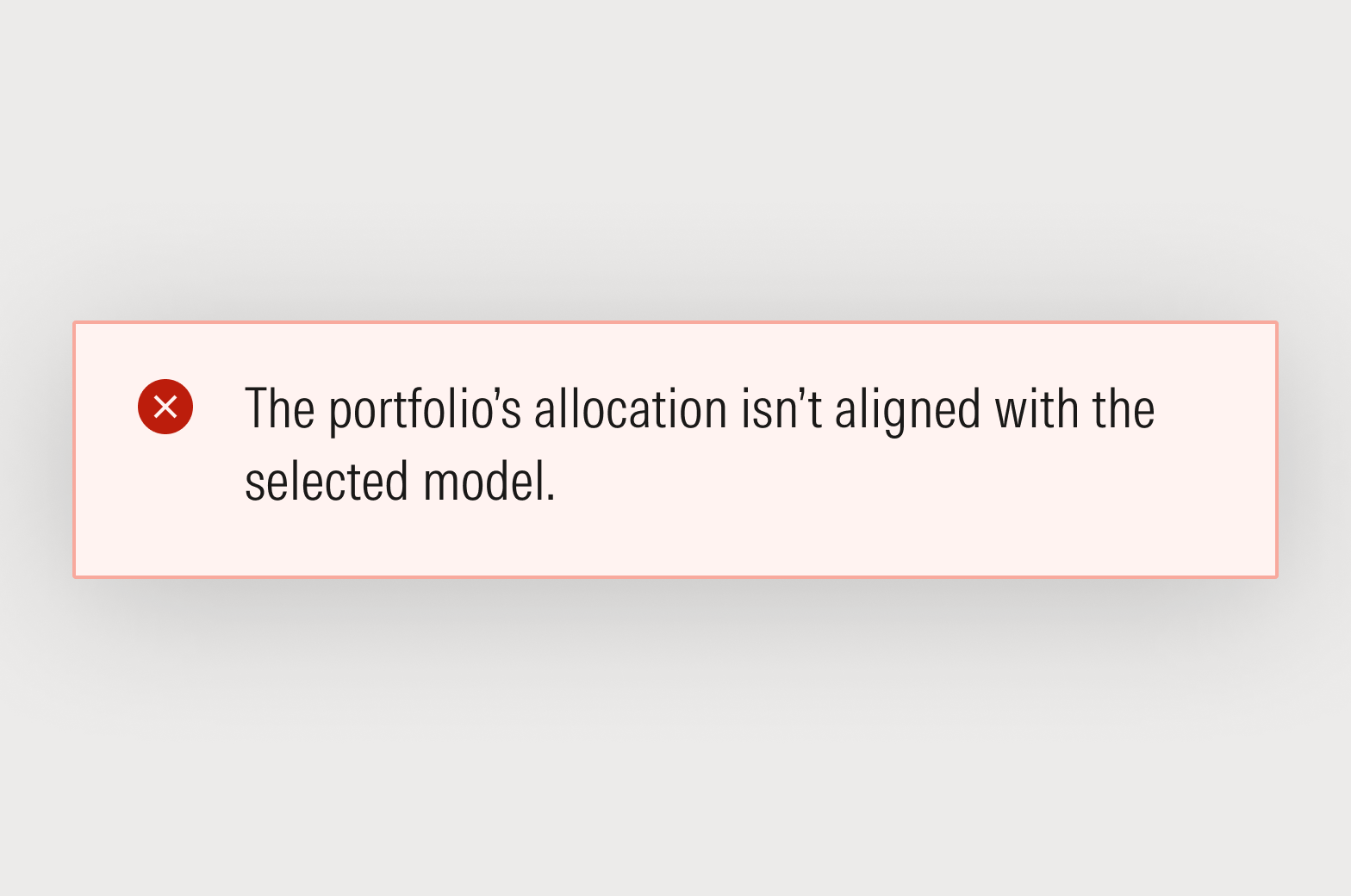
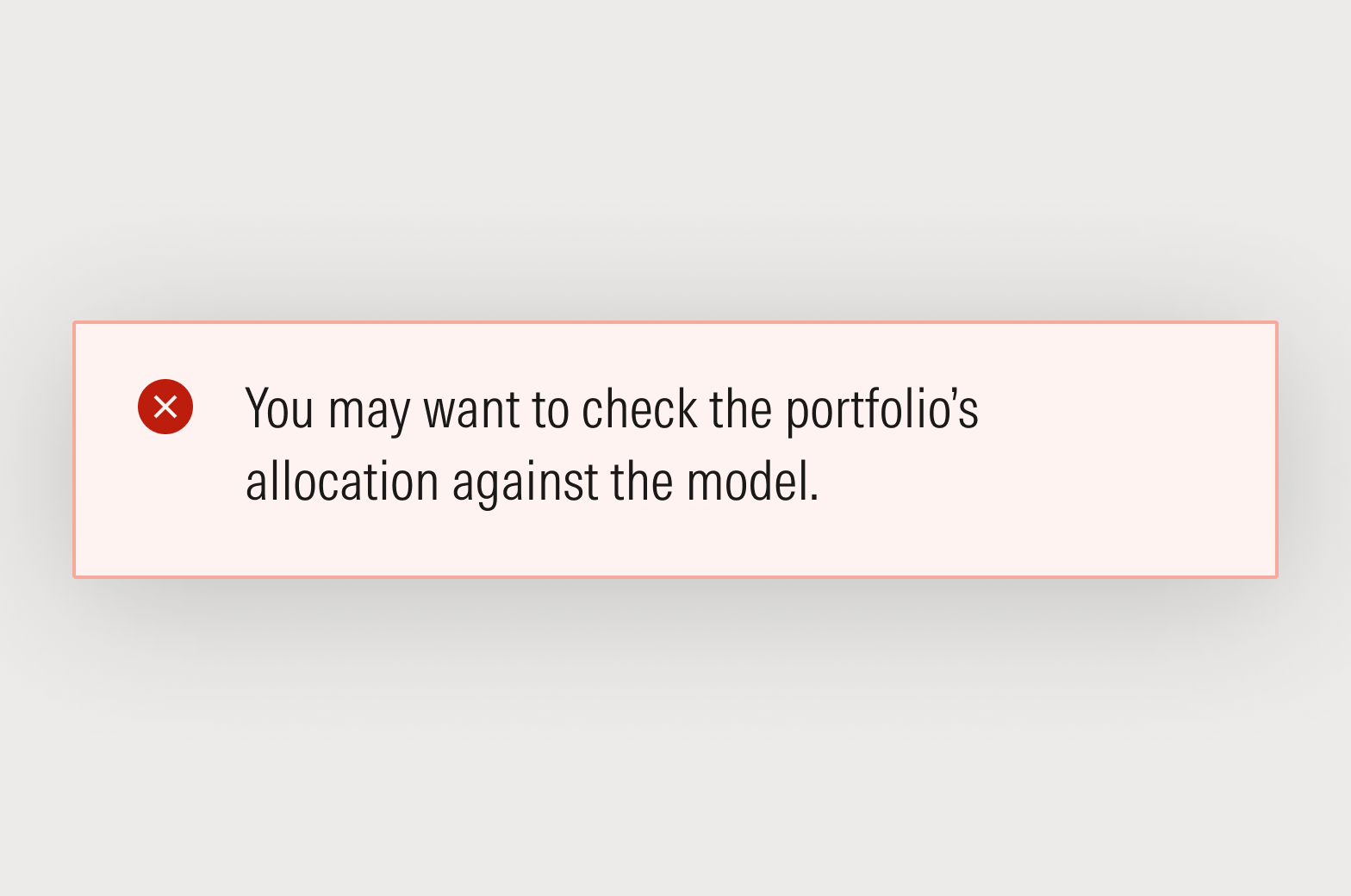
People come to Morningstar for hard data and smart analysis. Ambiguity doesn’t empower investor success.
Focus on user value.
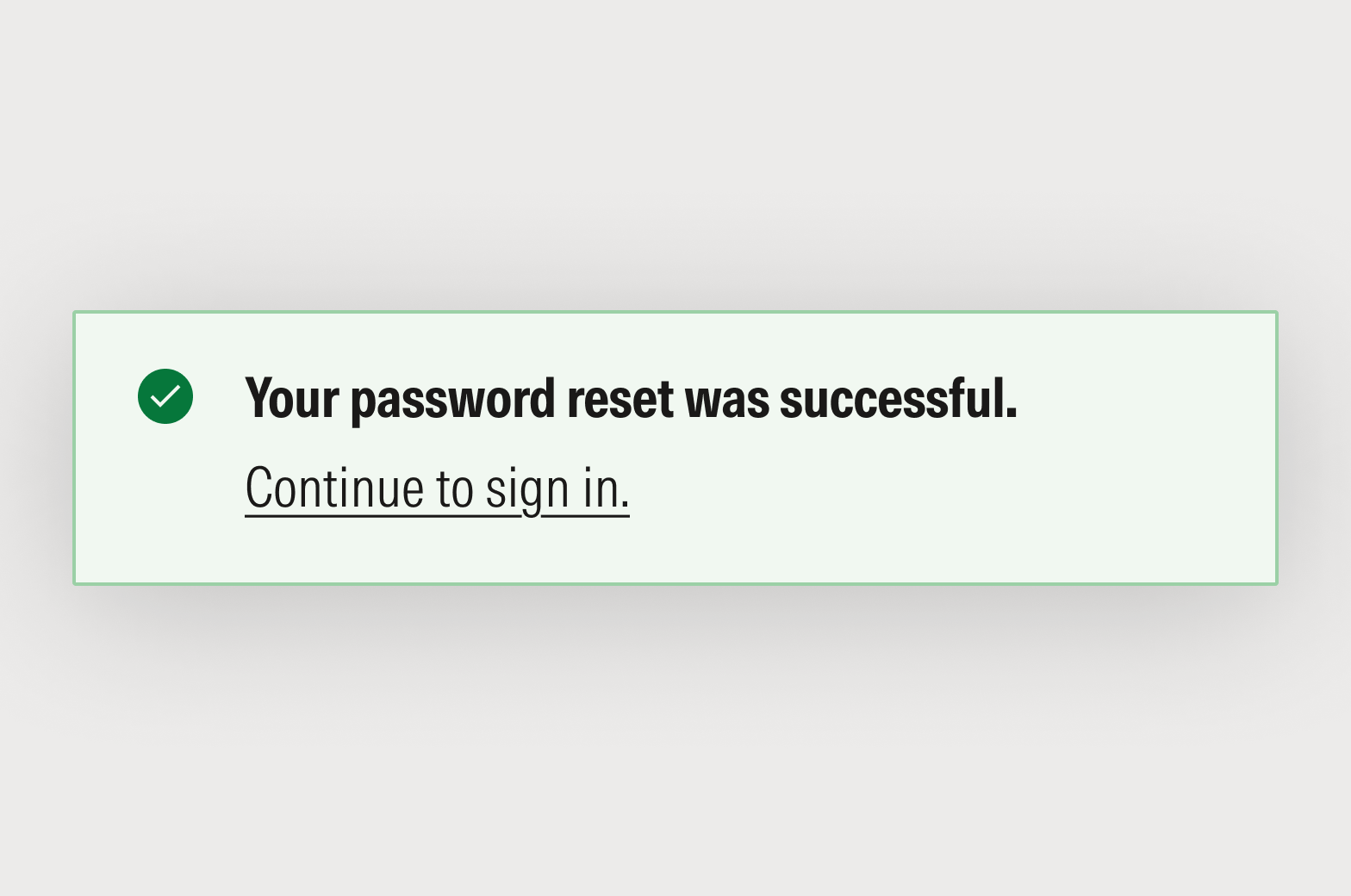
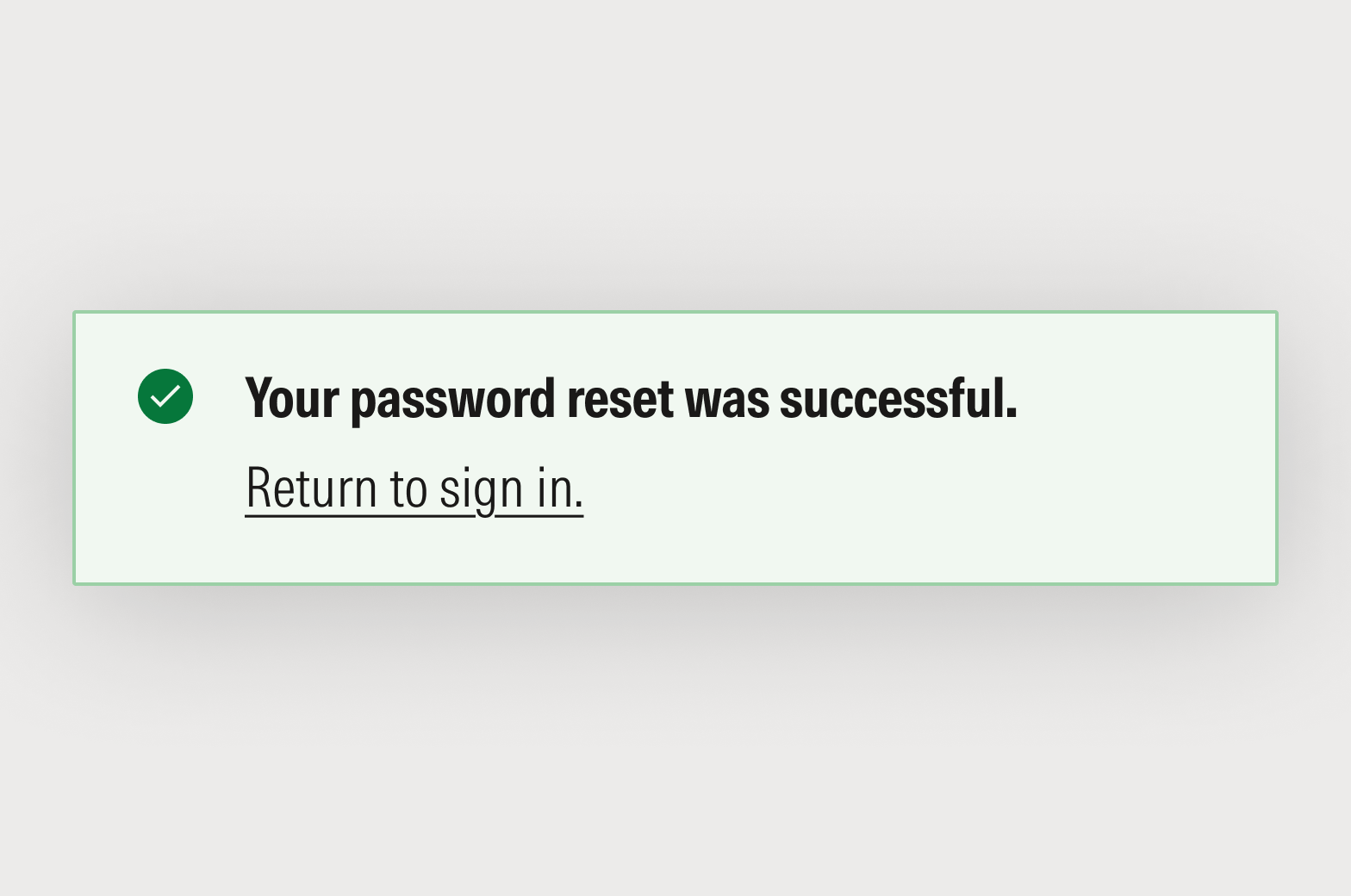
While it’s absolutely critical to be honest and upfront, we also need to demonstrate the value of our data, software, and services if we want our customers to use them. We empower investor success by creating value, and we build trust by articulating it clearly and concisely.

Tone in Product
Product writing meets people in moments of action and decision, so tone should always support focus, not compete with it. In general, UI copy should blend straightforward and confident tones, with the occasional supportive tone in pain points or moments of frustration.
When in doubt, aim for clarity first, then warmth where it adds trust or ease, particularly around critical or sensitive actions. For guidance on determining the most appropriate tone for your message, see Tone Spectrum.