Common Actions

Common actions are the universal tasks users perform across Morningstar products. They keep user workflows consistent, helping people create and navigate content with confidence and clarity.
Create

When to use

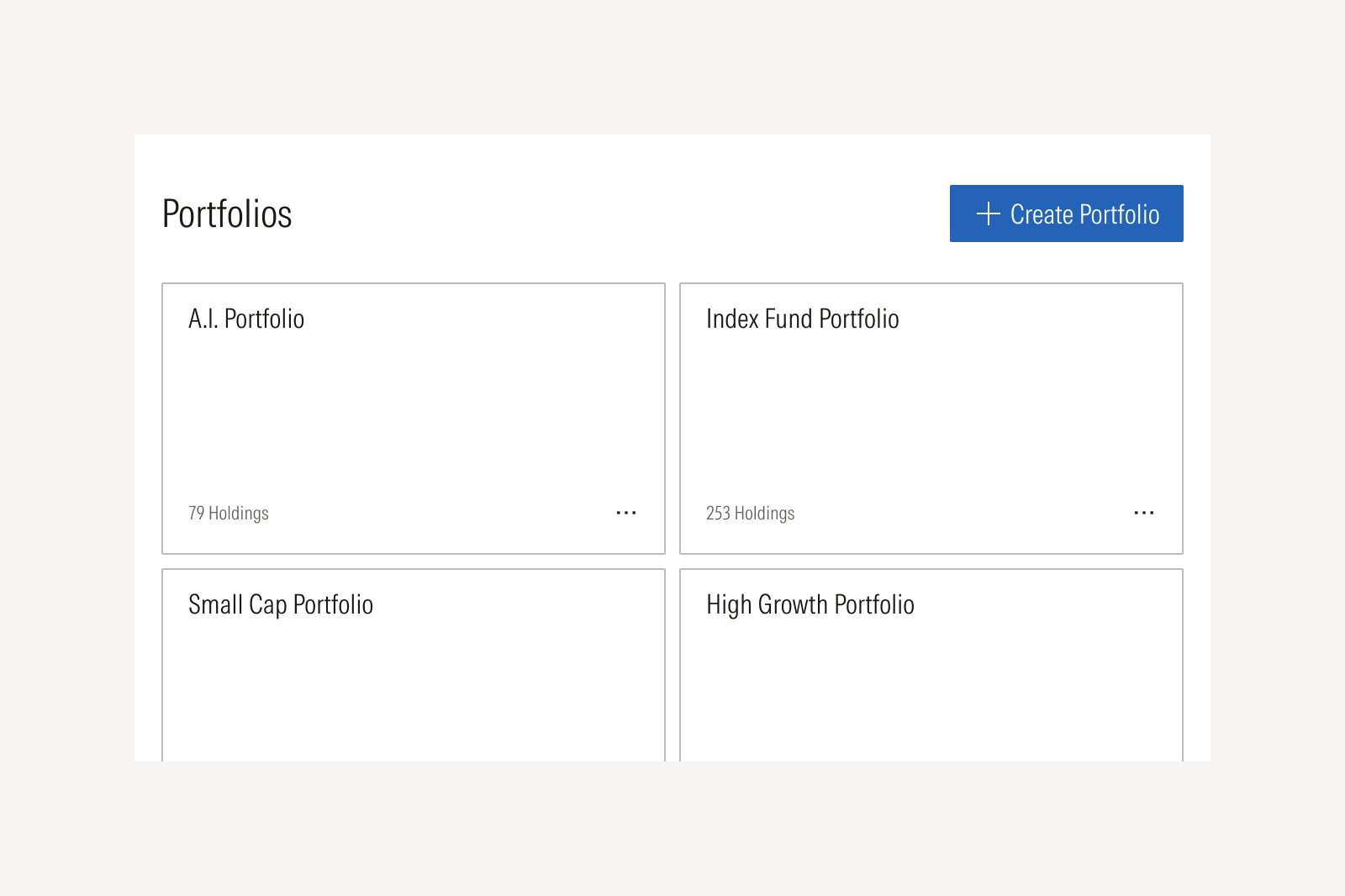
Use to generate a new top-level object that comes with its own dedicated space and underlying structure, such as a chart, portfolio, watchlist, or workspace.

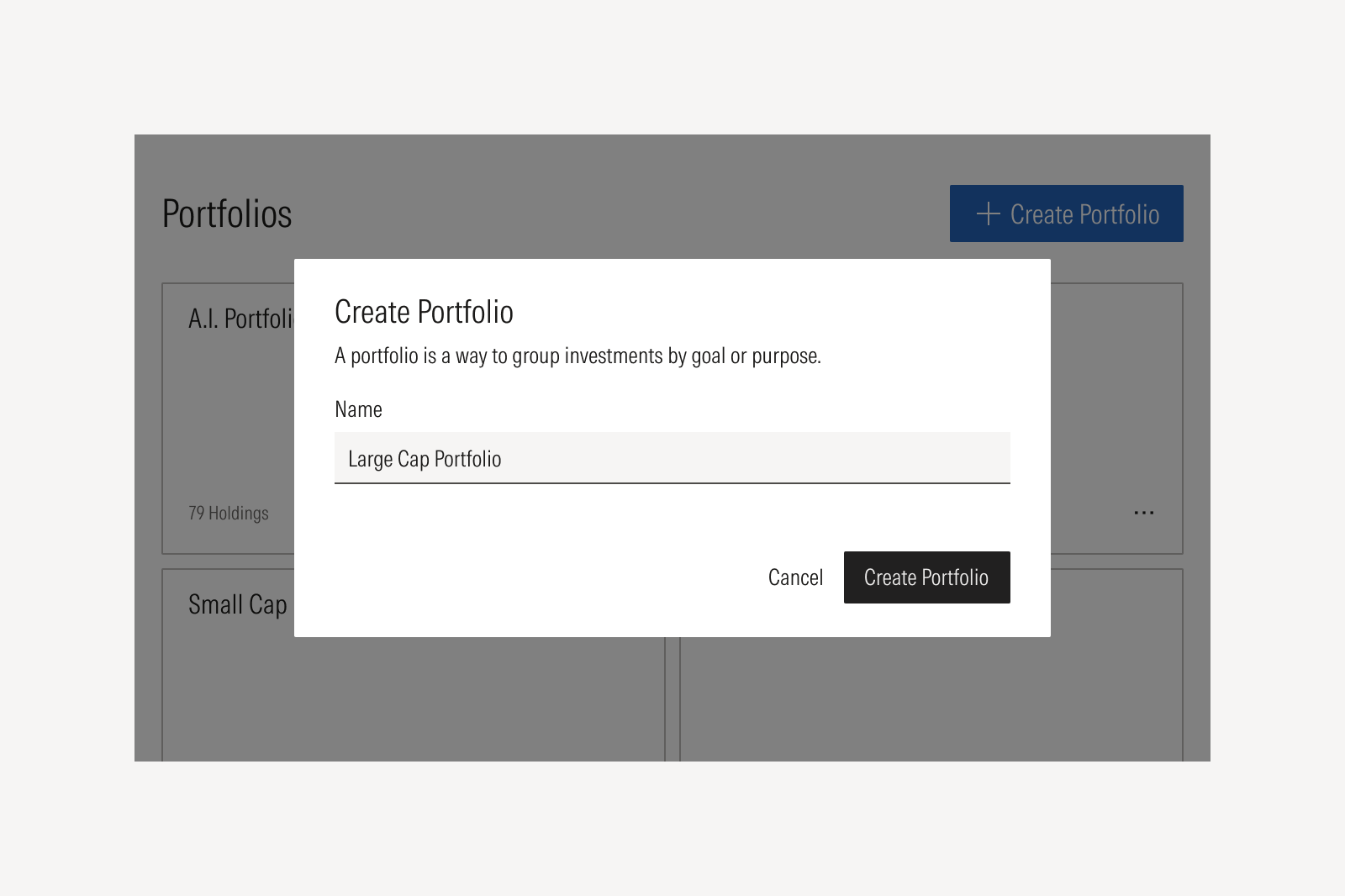
A dialog confirming the new name of the portfolio.

When not to use

Don't use to add or modify content inside an existing item. Instead, use the add action.
Add

When to use

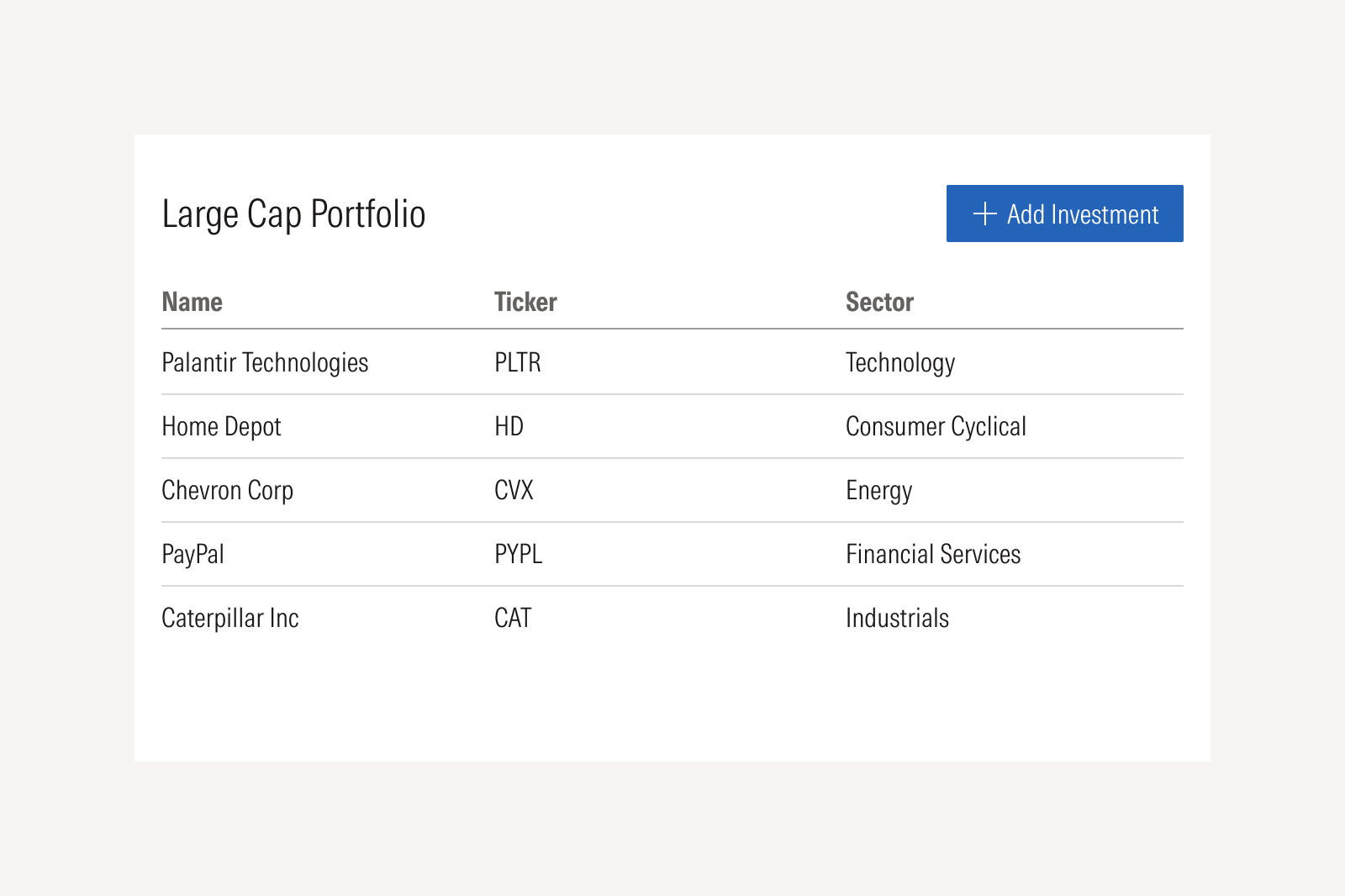
Use to insert a single item into an established container or collection, such as adding investments to a list, holdings to a portfolio, or goals to a plan. Added items can be removed, rearranged, and re-added.

Adding an action using the right language.

When not to use

Don't use to create a new top-level object or workspace containing many sets. Instead, use the create action.
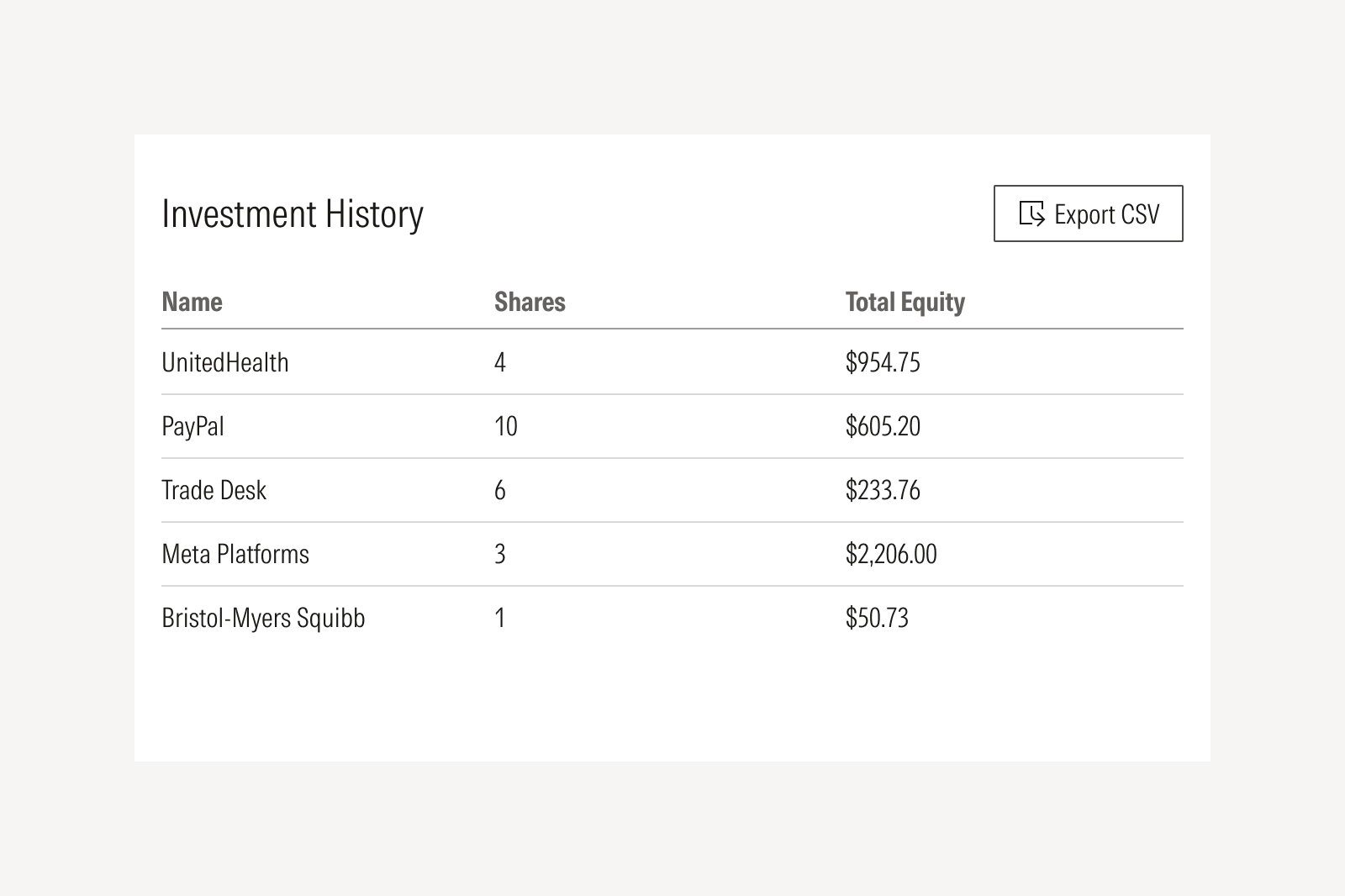
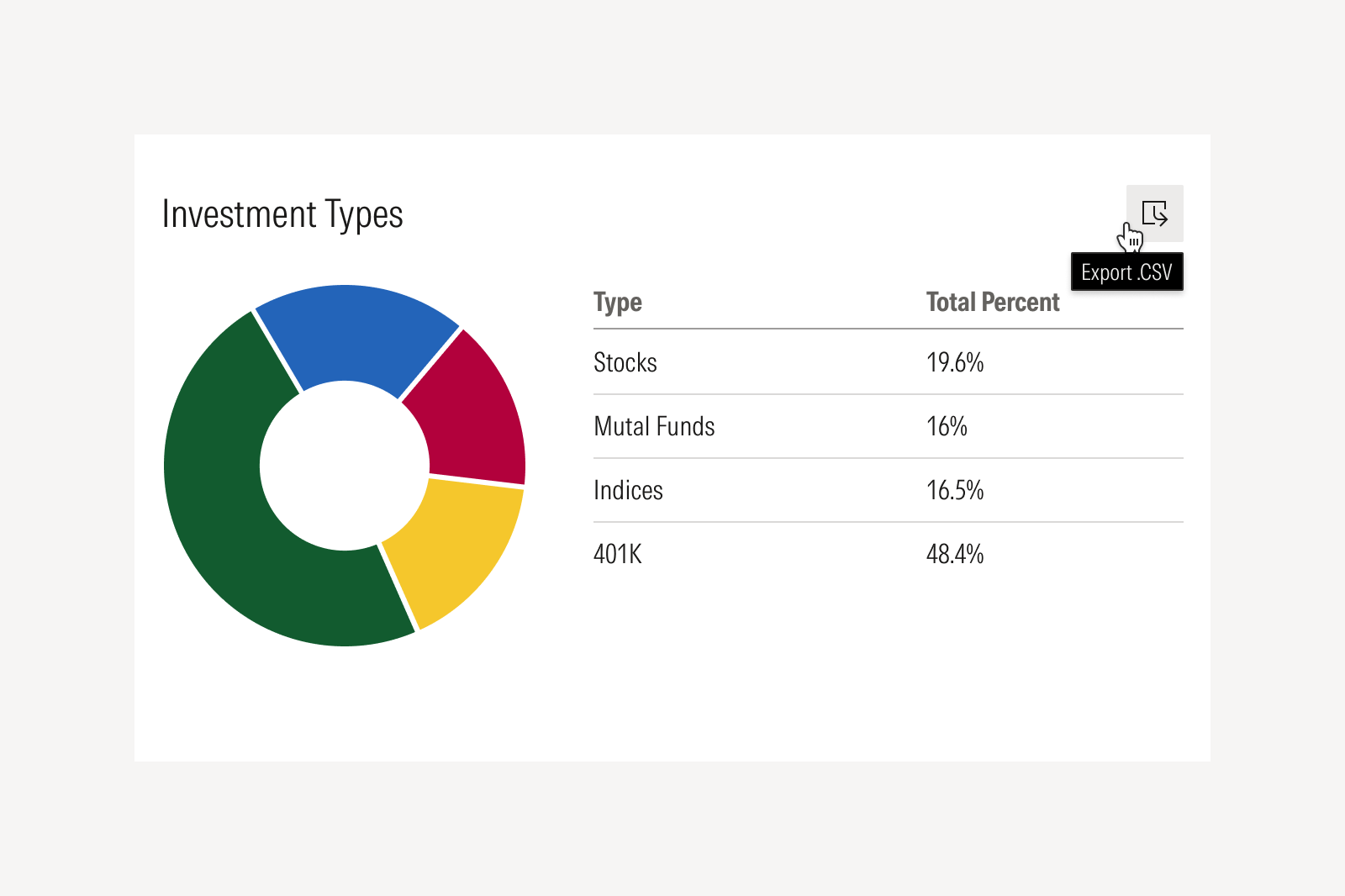
Export

When to use

Use to export raw or minimally processed data—tables, holdings, or datasets—into CSV, Excel, or image files outside the Morningstar product environment.

Exporting a pie chart and table for a retirement account.

When not to use

Don't use for downloading a finished or fully formatted output, such as a document or report. Instead, use the Download action.
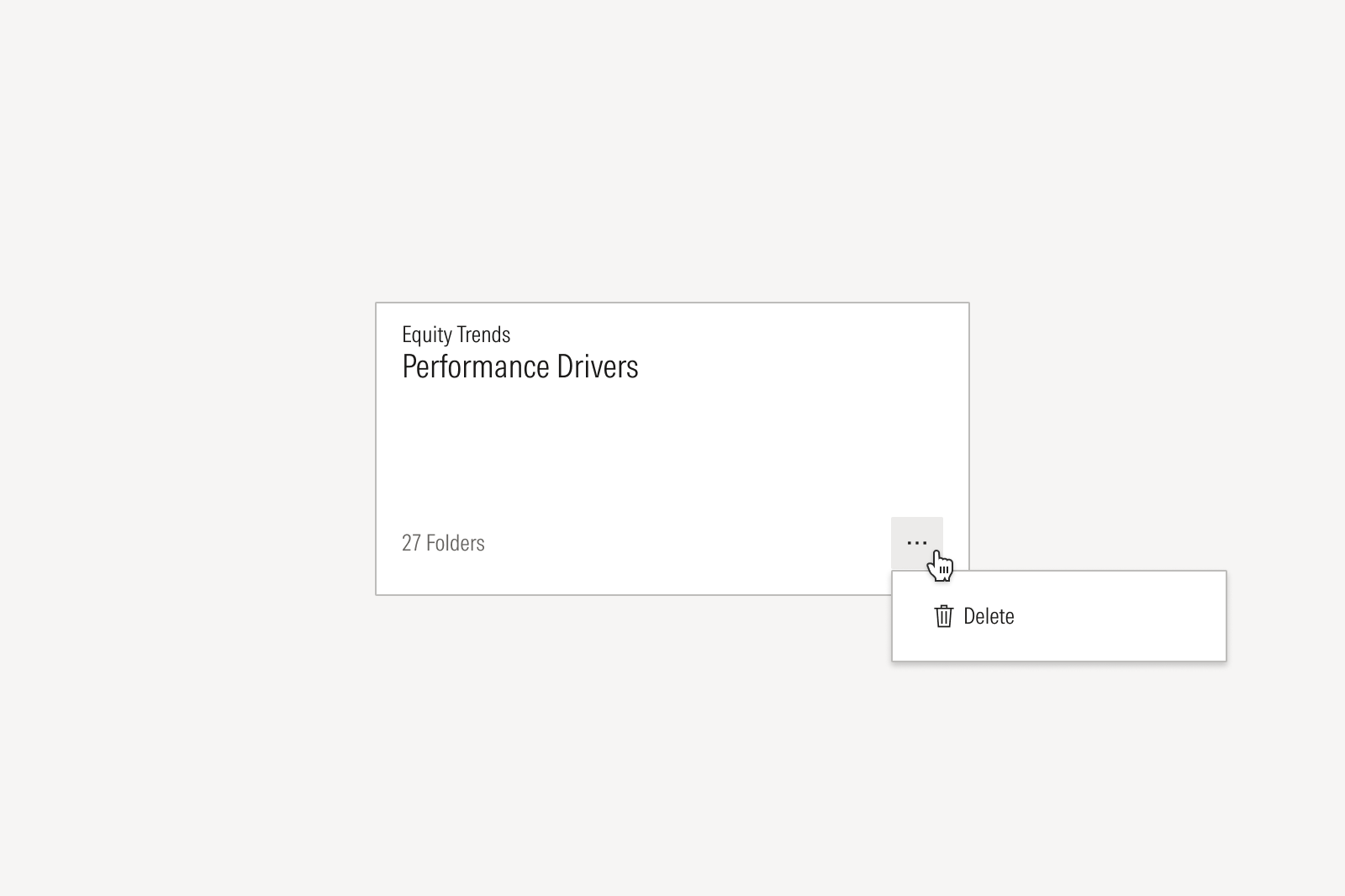
Delete

When to use

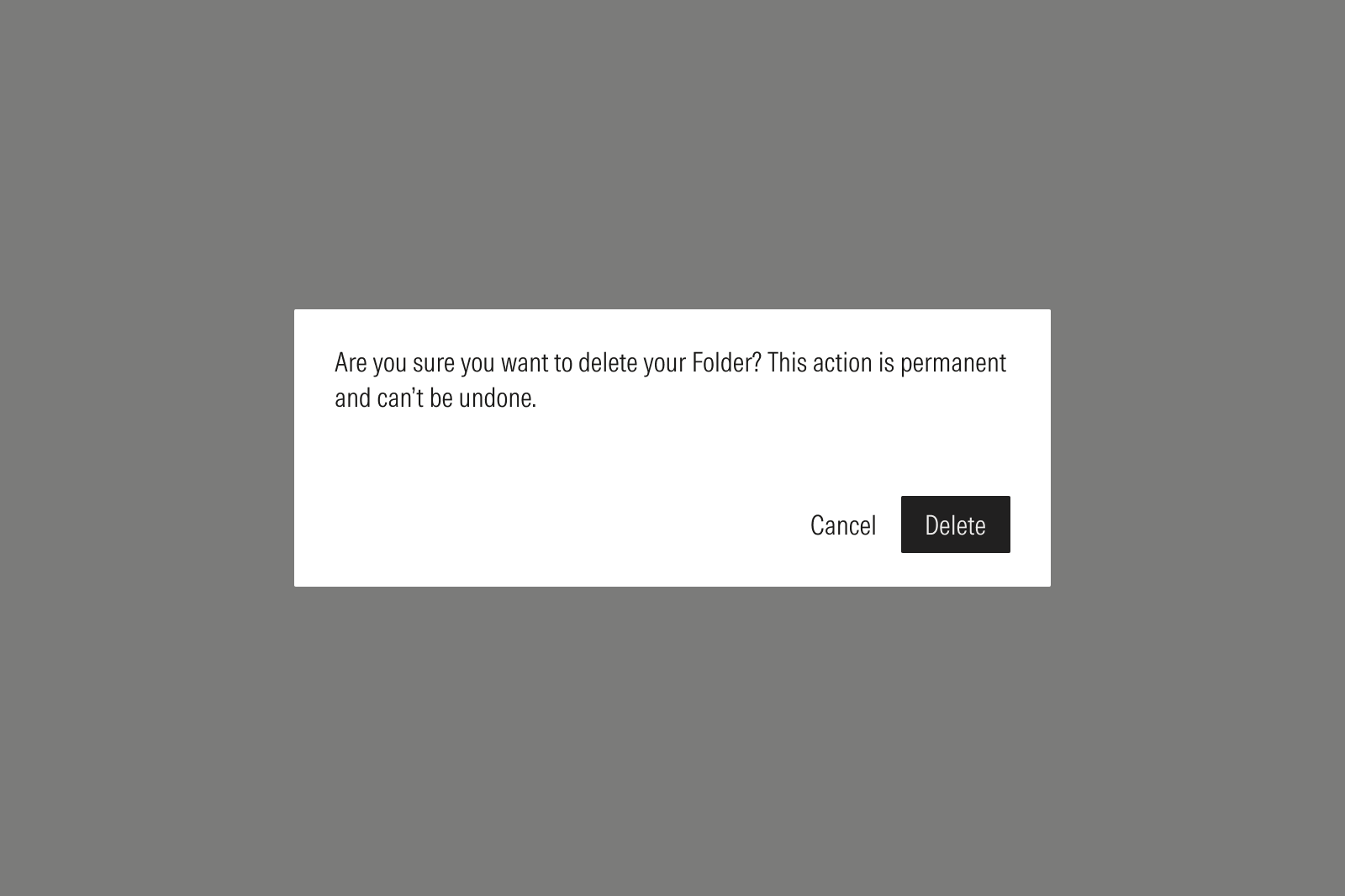
Use to permanently remove an item and its content from the system. This action is destructive, irreversible, and requires confirmation.

A delete folder confirmation dialog.

When not to use

Don't use to remove an item from a list or set that is retained in the user's files. Instead, use the remove action.