Navigation
Breadcrumbs
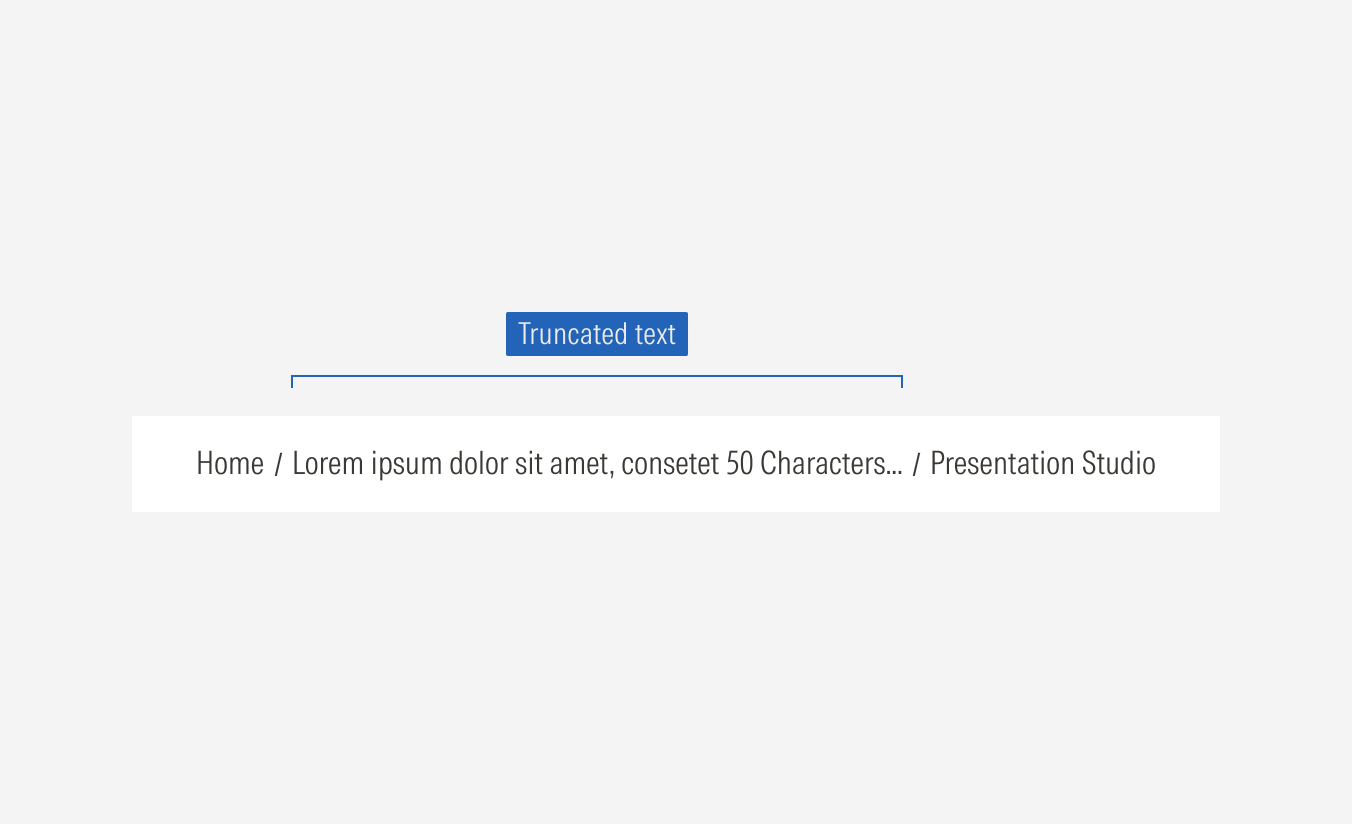
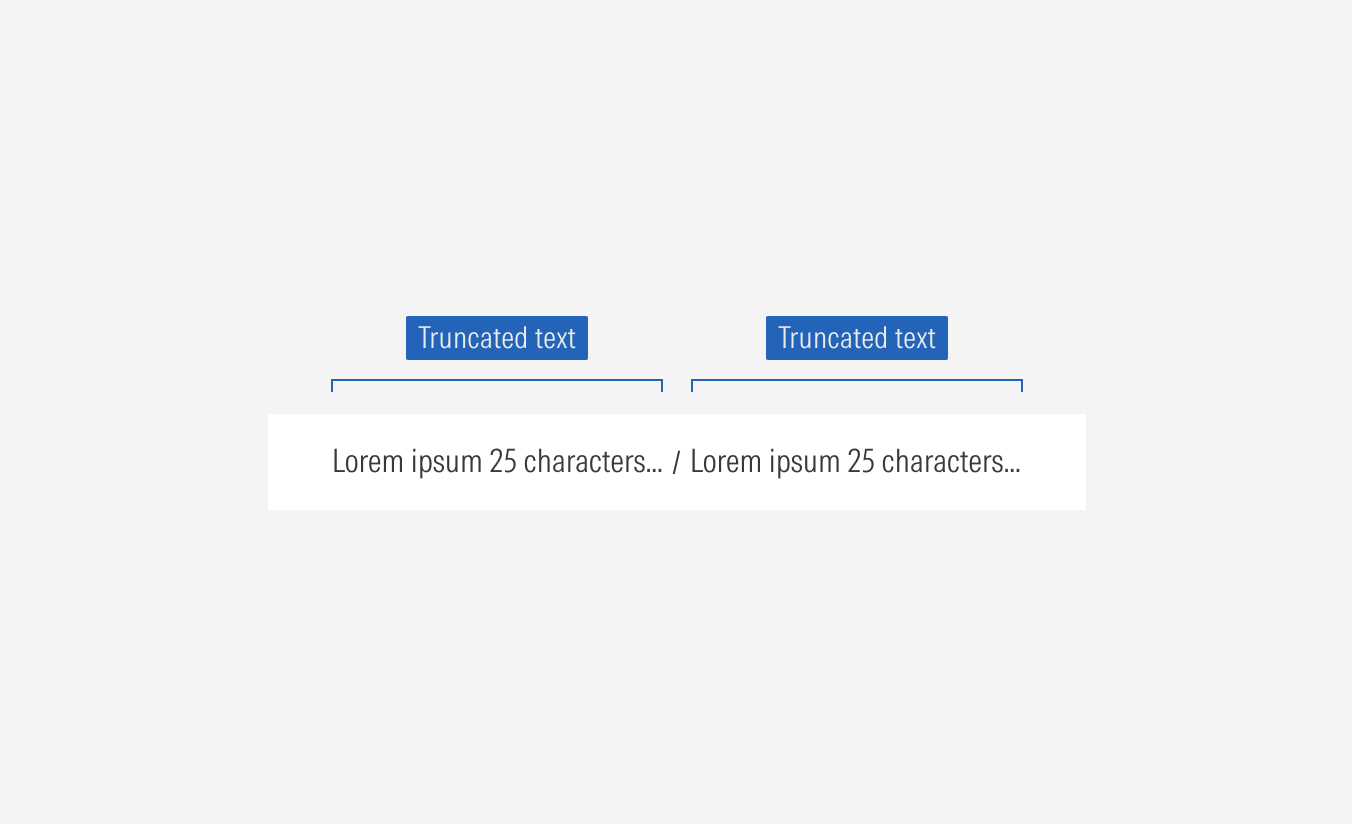
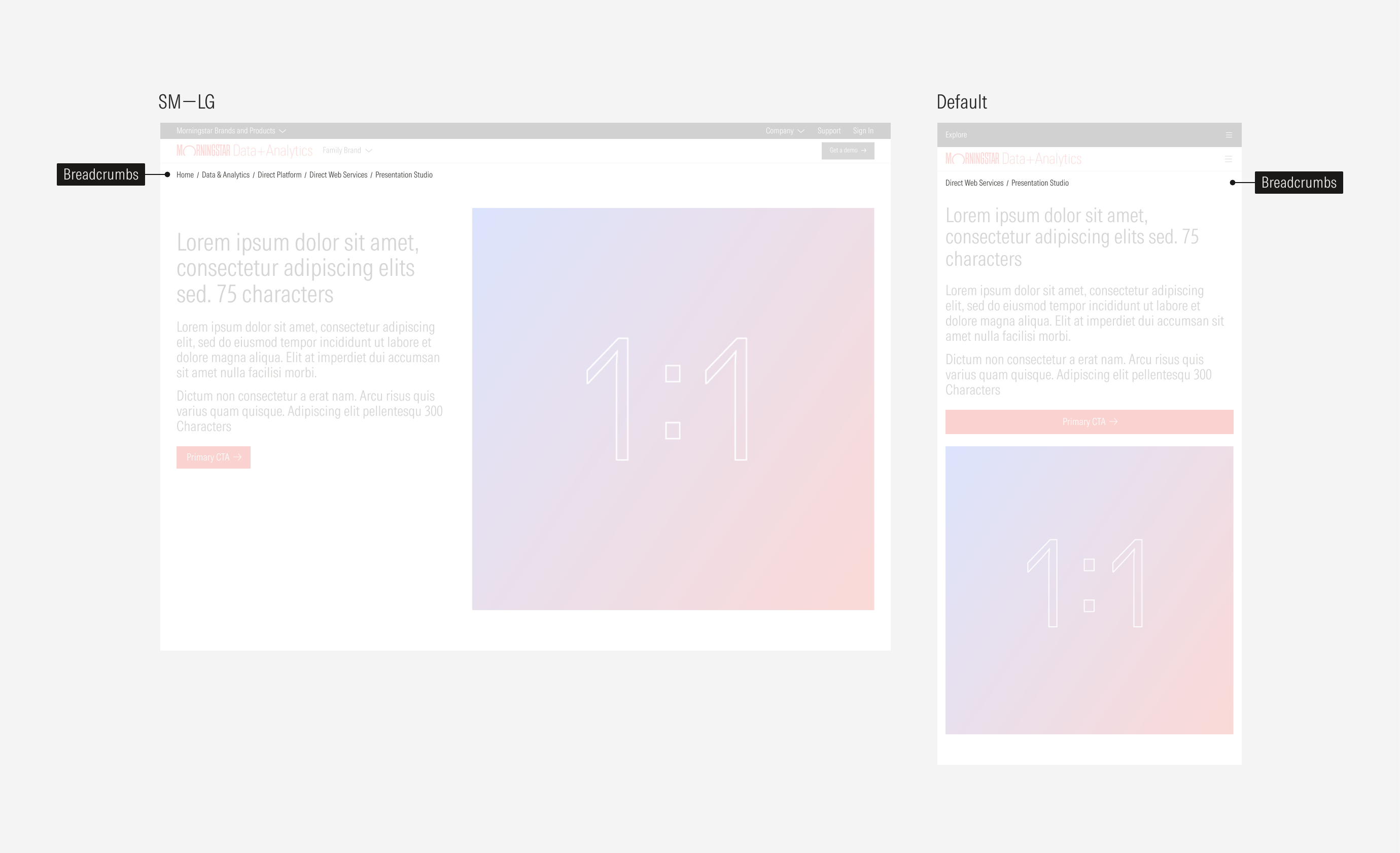
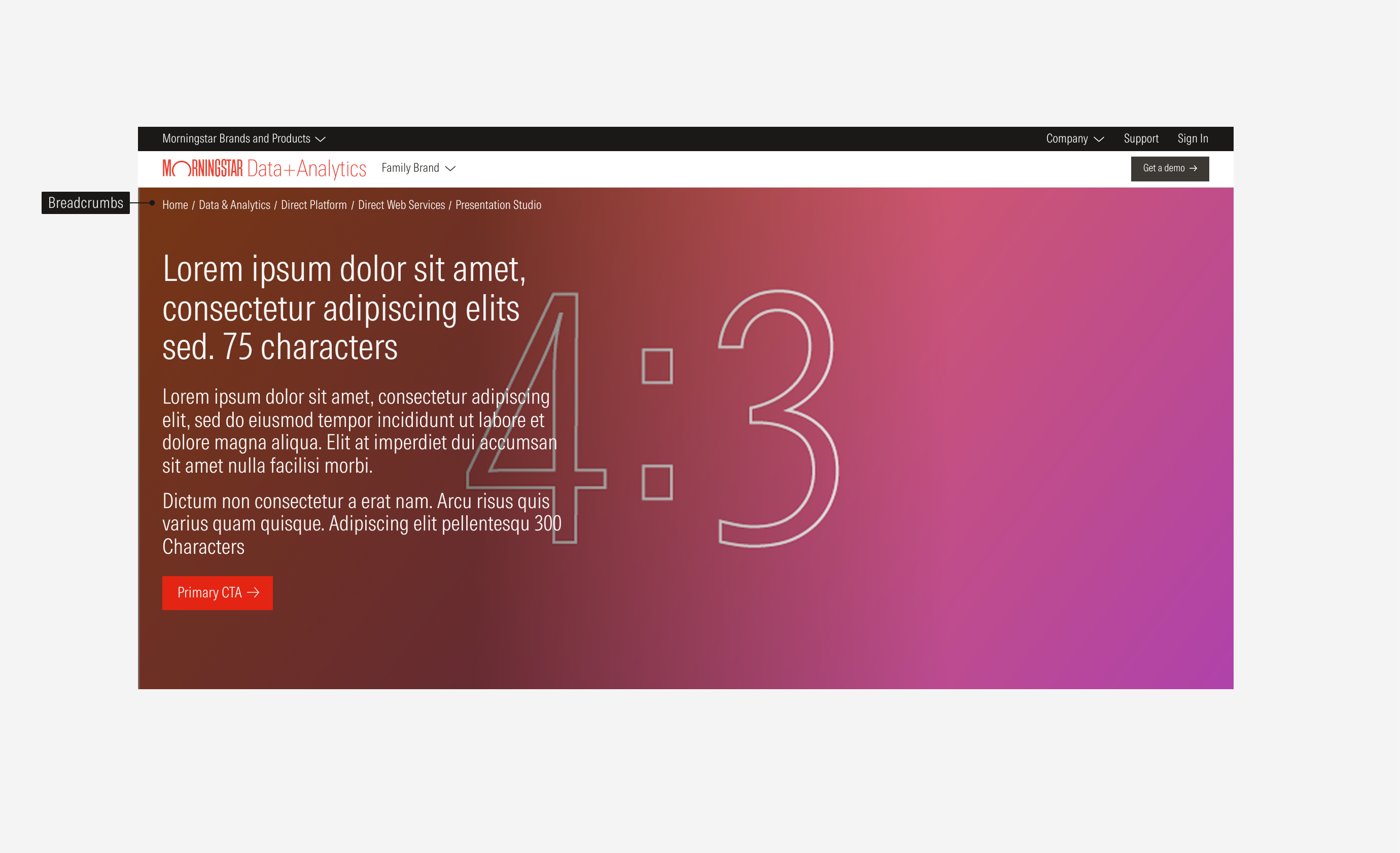
A breadcrumb displays a user's location in the hierarchy and provides quick navigation back to higjer-level pages. The bar spans the entire width of the page. It will appear below the last navigation bar.
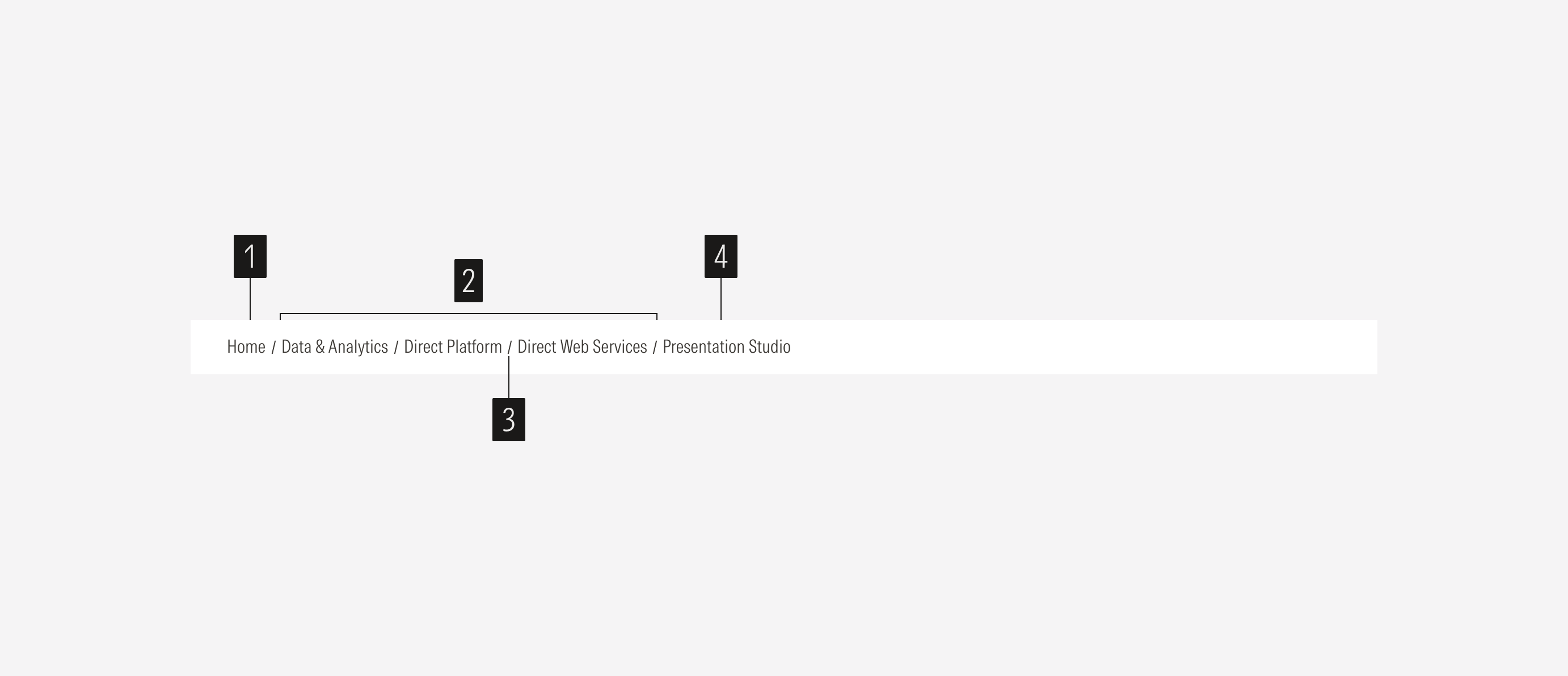
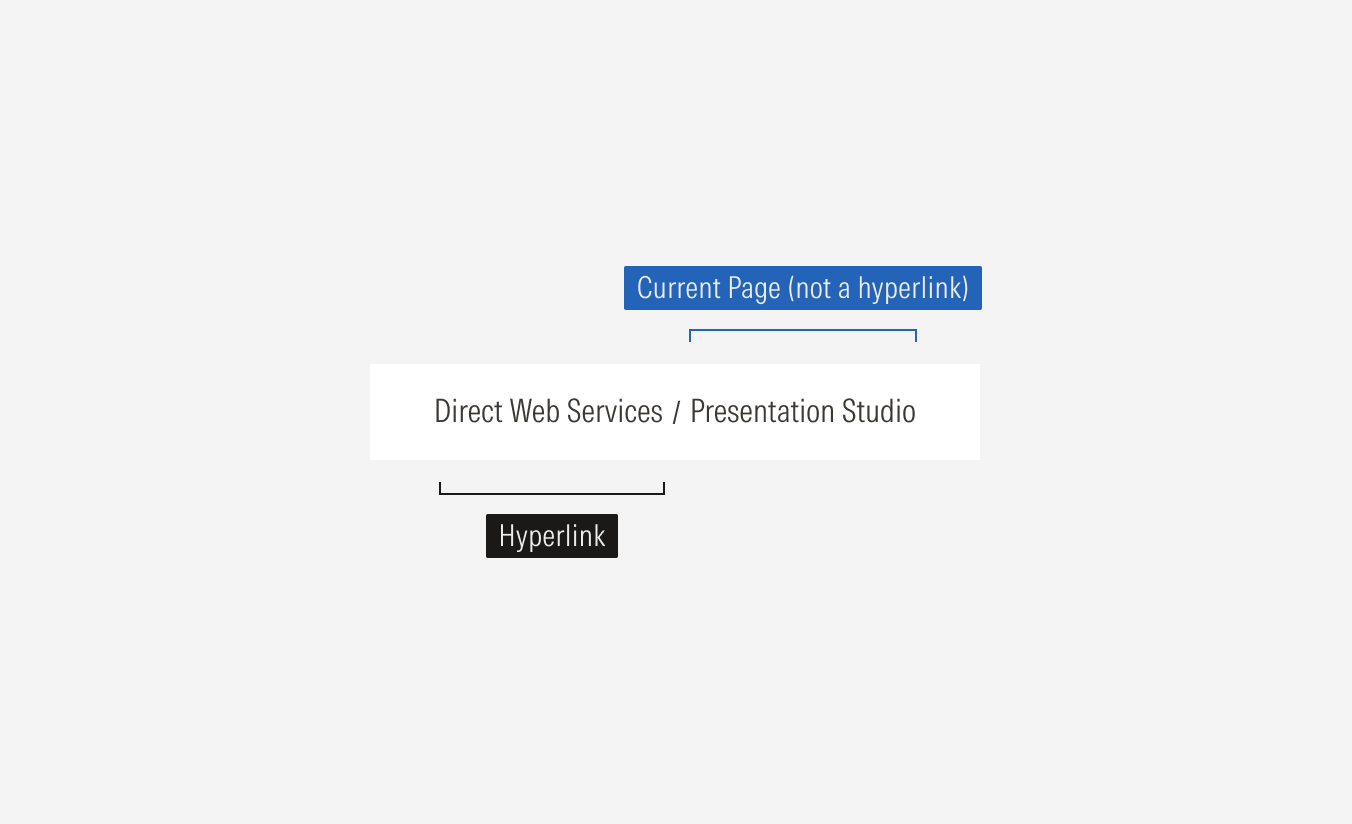
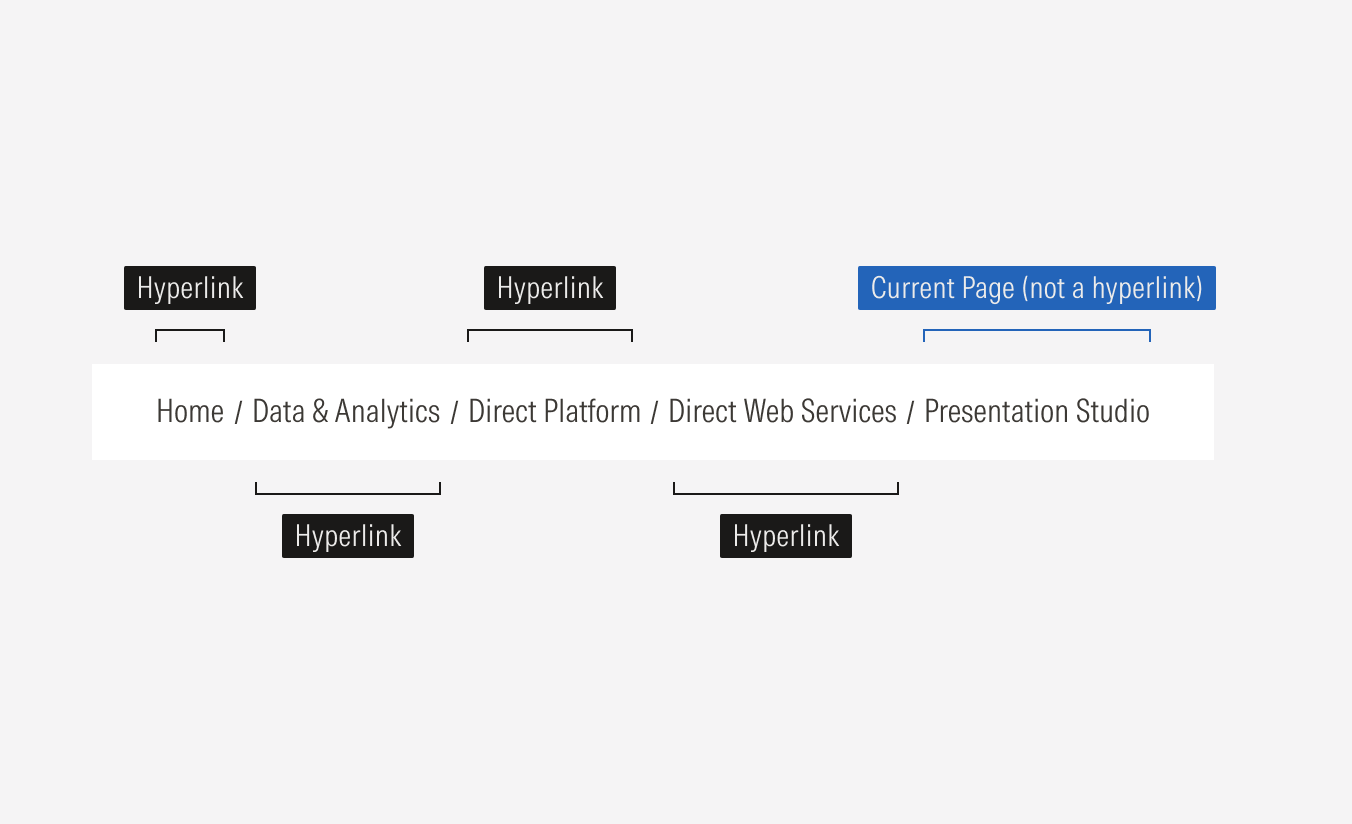
Home hyperlink is the first link, usually the homepage or main entry point.
Parent hyperlinks are the intermediate levels in the hierarchy.
Separator is the slash symbol between links that shows the path progression.
Current page is the last element that indicates where the user is. It is not a link.
Usage
When to Use
Use breadcrumbs at the top of pages to show a user's current location within the site's hierarchy, improve navigation by providing a clickable path to higher-level pages, reduce bounce rates by encouraging further exploration, and help search engines contextualize content.
When Not to Use
Do not use breadcrumbs on Campaign landing pages and home page.
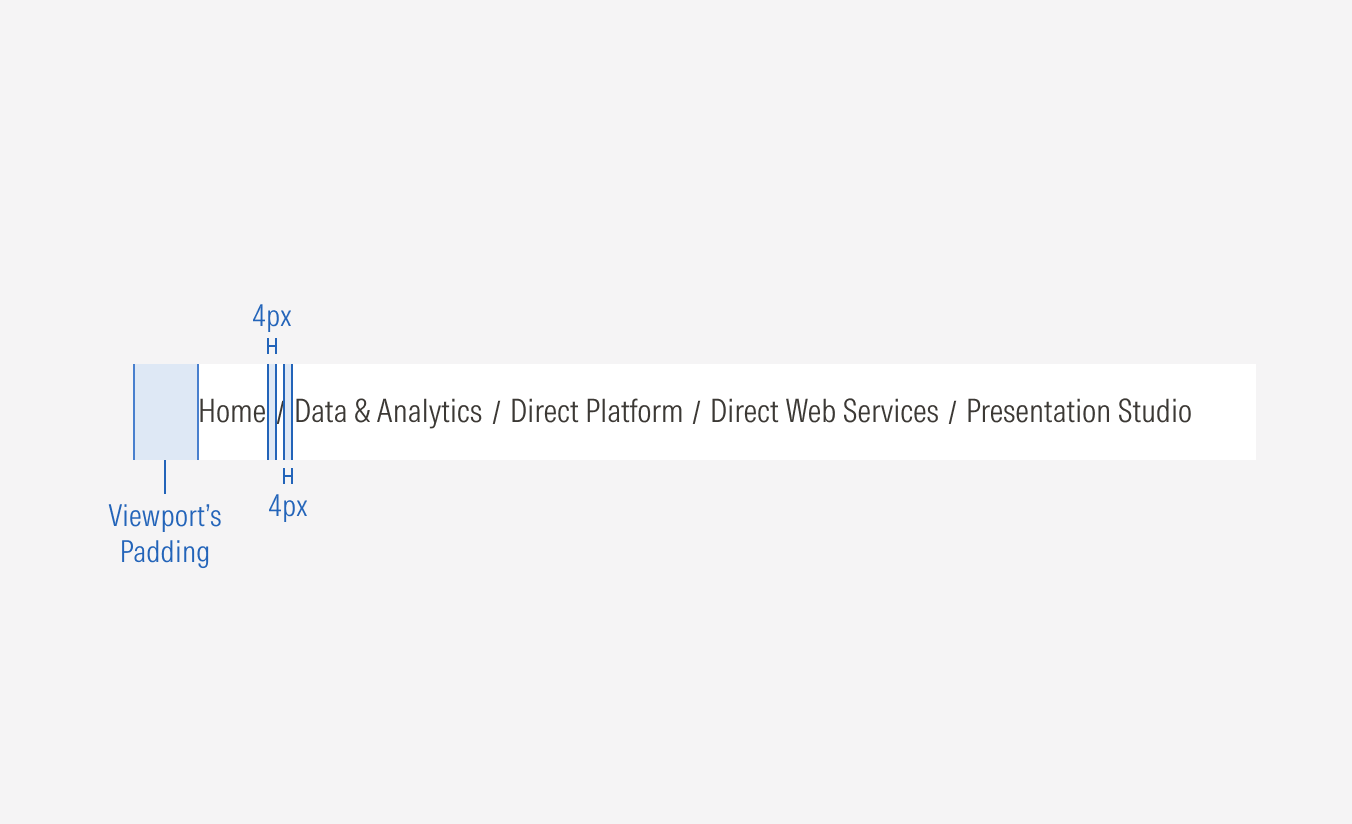
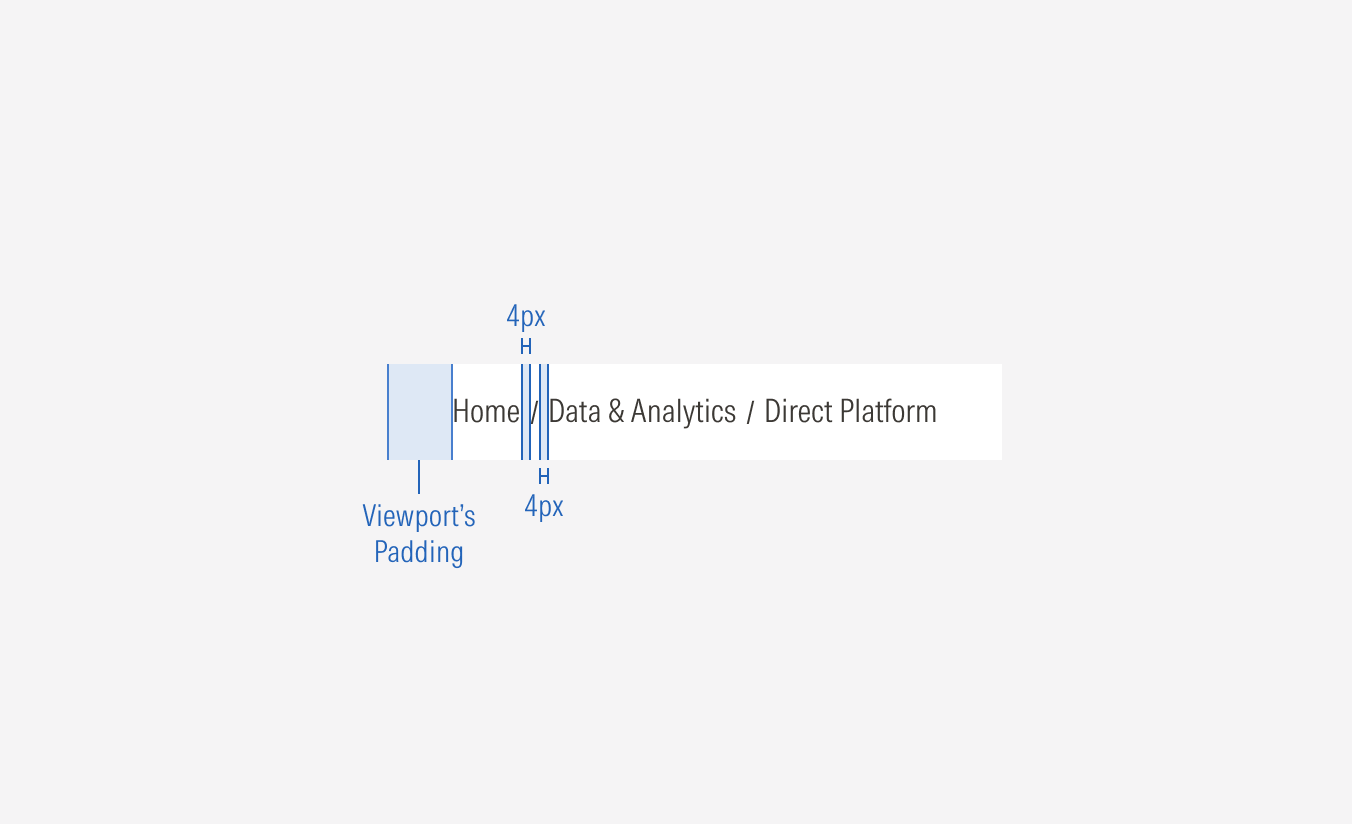
Interaction
SM—LG
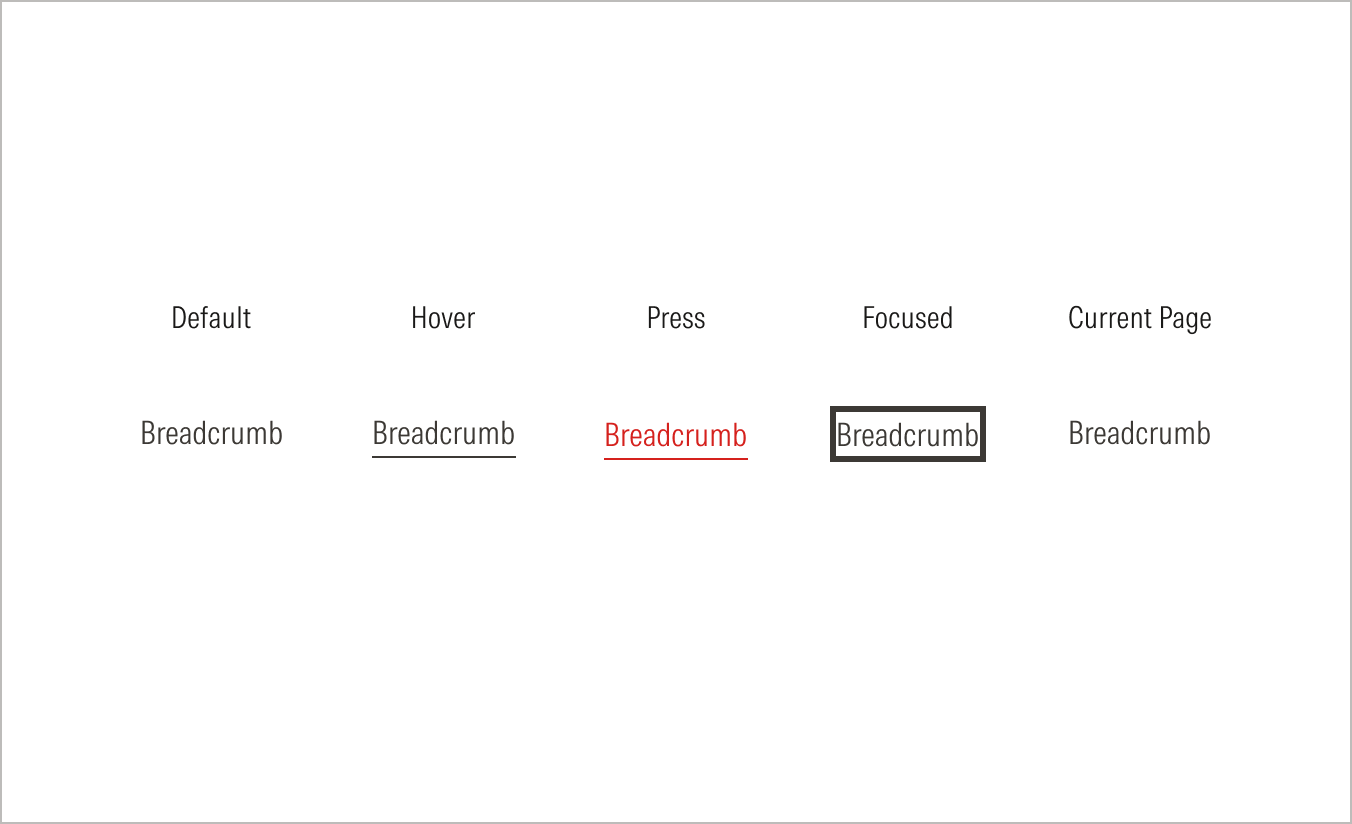
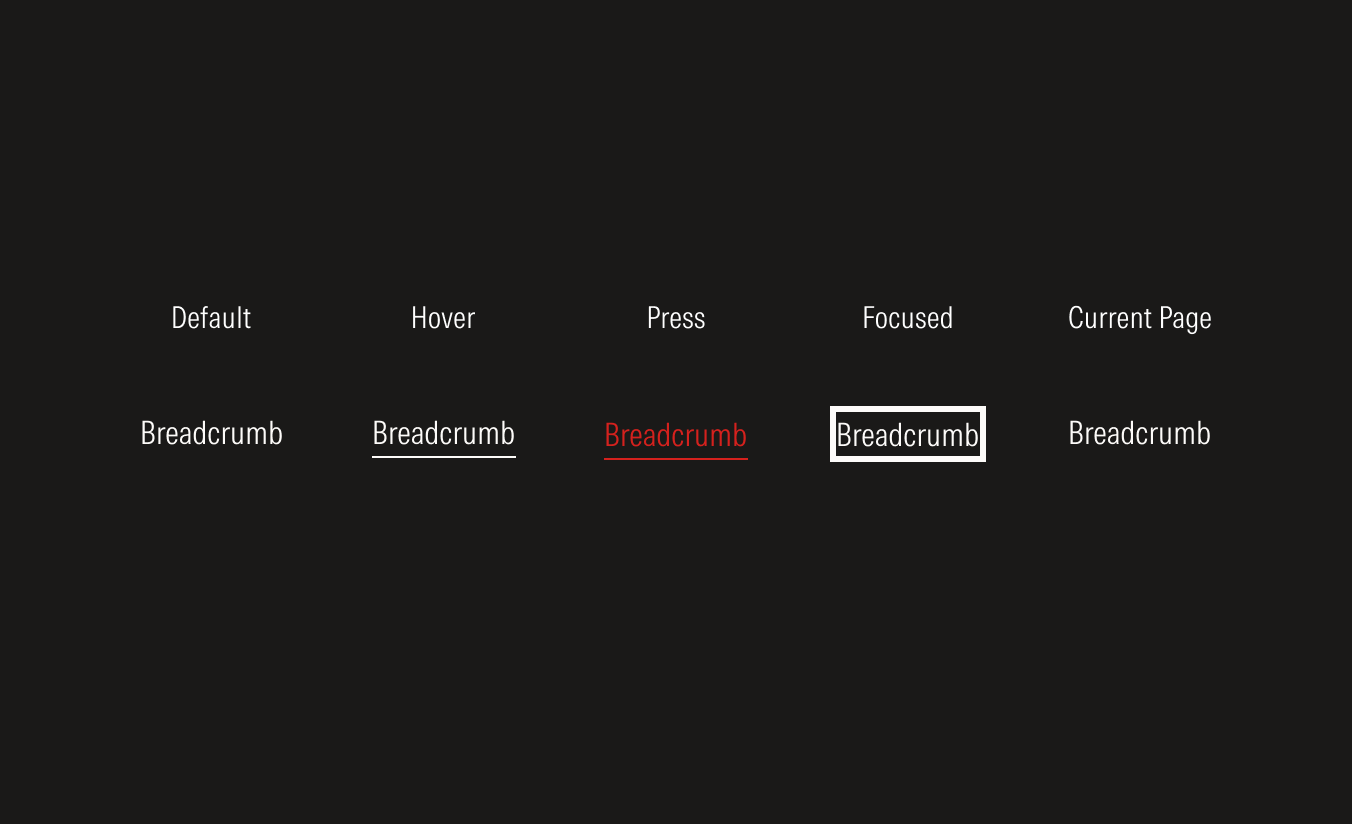
All breadcrumb except the last one (right-most item) will be hyperlinks. The last item will not be interactive and will display the current page name.
Default
Only 2 breadcrumbs will be visible. The previous page and the current page. The Previous page is a hyperlink. The current page is not.